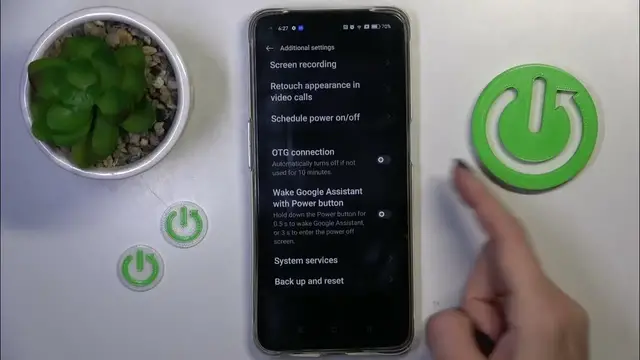

How To Enable & Disable OTG Connection On OPPO A95
Jan 18, 2024

Find out more about Oppo A95 : https://www.hardreset.info/devices/oppo/oppo-a95/tutorials/
Unlock the potential of your Oppo A95 by learning how to enable and disable OTG (On-The-Go) connection. This tutorial provides step-by-step instructions to guide you through the process, allowing you to seamlessly connect USB peripherals such as flash drives, keyboards, or mice to your device. Whether you need to transfer files or expand functionality, this guide covers the intuitive method of managing OTG connections on your Oppo A95. Watch, learn, and explore the versatility of your device with this essential feature!
How do I enable OTG connection on Oppo A95?
Is there a specific settings menu or option for enabling OTG on this device?
Why would I need to enable OTG connection on Oppo A95?
What devices or peripherals can I connect using OTG on my device?
How do I safely disconnect OTG devices from Oppo A95?
#OppoA95 #Oppo #oppophone
Follow us on Instagram ► https://www.instagram.com/hardreset.info
Like us on Facebook ► https://www.facebook.com/hardresetinfo/
Tweet us on Twitter ► https://twitter.com/HardResetI
Support us on TikTok ► https://www.tiktok.com/@hardreset.info
Use Reset Guides for many popular Apps ► https://www.hardreset.info/apps/apps/
Show More Show Less