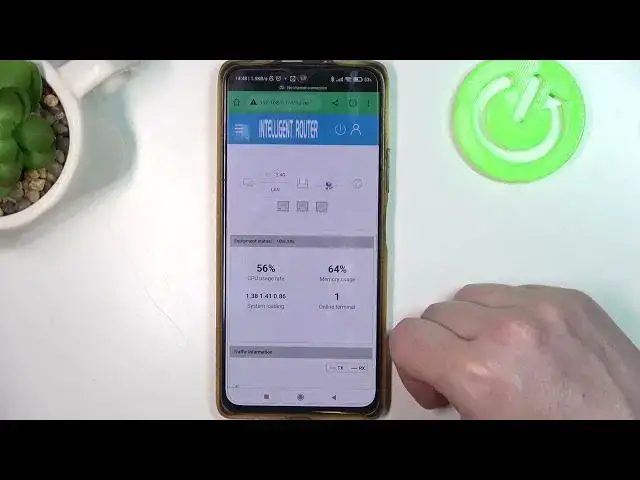

How To Enable & Disable IPV6 On Zbtlink WE2805 B 4G LTE Router
Jul 30, 2024

For More Guides Visit Our Website : https://www.hardreset.info/search/?q=Router&device_type=
In this instructional video, we will guide you through the process of enabling and disabling IPv6 on the Zbtlink WE2805 B 4G LTE Router. IPv6 is the latest version of the Internet Protocol that offers an expanded address space and improved network efficiency. Follow the step-by-step instructions provided in this video to configure the IPv6 settings on your Zbtlink WE2805 B 4G LTE Router and take advantage of the benefits it provides.
How do I access the IPv6 settings on the Zbtlink WE2805 B 4G LTE Router?
How can I enable IPv6 on my Zbtlink WE2805 B 4G LTE Router?
Can I disable IPv6 if I don't require it or encounter compatibility issues?
What should I do if I enable IPv6 but experience connectivity issues?
#Router #4grouters #tutorial
Follow us on Instagram ► https://www.instagram.com/hardreset.info
Like us on Facebook ► https://www.facebook.com/hardresetinfo/
Tweet us on Twitter ► https://twitter.com/HardResetI
Support us on TikTok ► https://www.tiktok.com/@hardreset.info
Use Reset Guides for many popular Apps ► https://www.hardreset.info/apps/apps/
Show More Show Less