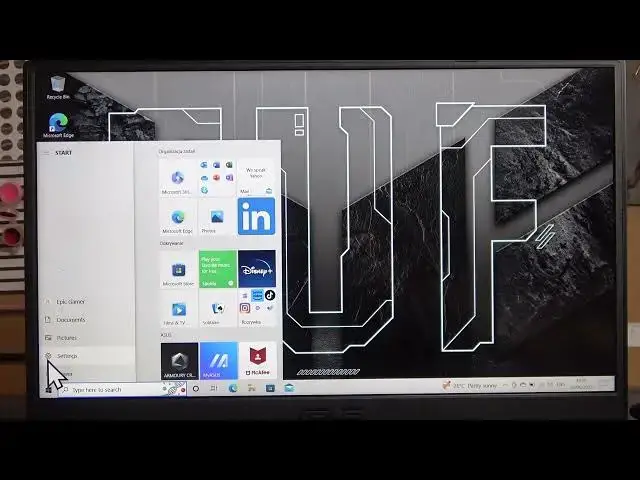

How To Enable & Disable High Contrast On Asus Tuf Gaming Laptop
Aug 3, 2024

For More Information Visit Our Website : https://www.hardreset.info
In this video tutorial, we will guide you through the steps to enable and disable the high contrast mode on your Asus Tuf Gaming laptop. High contrast mode is a useful accessibility feature that adjusts the color scheme of your screen to enhance visibility for individuals with visual impairments or those who prefer a high contrast display.
How to enable and disable high contrast on Asus Tuf Gaming laptop
Enabling high contrast mode on Asus Tuf Gaming laptop
Customizing high contrast settings on Asus Tuf Gaming laptop
High contrast tutorial for Asus Tuf Gaming laptop
Enhancing visibility with high contrast mode on Asus Tuf Gaming laptop
Adjusting color scheme on Asus Tuf Gaming laptop
Enabling accessibility features on Asus Tuf Gaming laptop
#asustufgaming #asusgaminglaptop #asustuf
Follow us on Instagram ► https://www.instagram.com/hardreset.info
Like us on Facebook ► https://www.facebook.com/hardresetinfo/
Tweet us on Twitter ► https://twitter.com/HardResetI
Support us on TikTok ► https://www.tiktok.com/@hardreset.info
Use Reset Guides for many popular Apps ► https://www.hardreset.info/apps/apps/
Show More Show Less