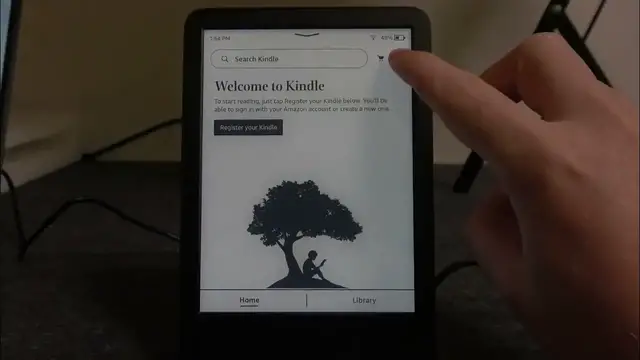

How to Enable & Disable Display Cover on AMAZON Kindle Touch 11 | Customize Your Kindle Experience
Jan 19, 2024

Find out more: https://www.hardreset.info/devices/amazon/
Welcome to HardReset.Info, your dedicated source for all things Kindle and tech! In today's tutorial, we're going to explore "How to Enable & Disable Display Cover on AMAZON Kindle Touch 11." If you're looking to optimize your reading experience and save battery life when you close your Kindle's cover, this guide is for you. We'll take you through the straightforward process of toggling the display cover settings on your Kindle Touch 11, allowing you to control how your device behaves when the cover is closed. Join us as we explore this feature that ensures your Kindle is tailored to your preferences.
#KindleDisplayCover
#ReadingExperience
#TechCoverSettings
How to access the display cover settings on your Kindle Touch 11?
How to enable display cover to save battery life when you close your Kindle?
How to disable display cover if you prefer instant access when the cover is opened?
How to fine-tune the display cover behavior to match your reading style?
How to make your Kindle Touch 11 respond just the way you want with display cover customization?
Follow us on Instagram ► https://www.instagram.com/hardreset.info
Like us on Facebook ► https://www.facebook.com/hardresetinfo/
Tweet us on Twitter ► https://twitter.com/HardResetI
Support us on TikTok ► https://www.tiktok.com/@hardreset.info
Use Reset Guides for many popular Apps ► https://www.hardreset.info/apps/apps/
Show More Show Less