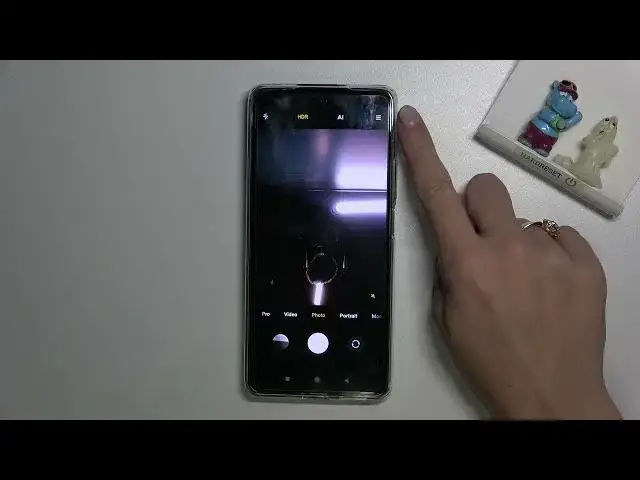

How to Enable & Disable Camera Mirror Effect on XIAOMI 11T Pro – Find & Manage Mirror Effect
Apr 7, 2024

Get more info: https://www.hardreset.info/devices/xiaomi/xiaomi-11t-pro/tutorials/
In today’s video, we will show you the quickest way to set up the camera mirror effect on XIAOMI 11T Pro. Let’s find out where is the mirror effect located in the camera settings on XIAOMI 11T Pro. With this tutorial, you will learn how to smoothly enable or disable this effect. So let’s not wait any longer and play the video guide above to find and manage the mirror effect on XIAOMI 11T Pro. If you’re trying to find more features on your XIAOMI 11T Pro, be sure to visit HardReset.info YT channel to discover more useful tutorials and tips.
How to enable the camera mirror effect on XIAOMI 11T Pro? How to turn on the camera mirror effect on XIAOMI 11T Pro? How to activate the camera mirror effect on XIAOMI 11T Pro? How to switch on the camera mirror effect on XIAOMI 11T Pro? How to disable the camera mirror effect on XIAOMI 11T Pro? How to turn off the camera mirror effect on XIAOMI 11T Pro? How to deactivate the camera mirror effect on XIAOMI 11T Pro?
#MirrorEffect #CameraMirrorEffect #XIAOMI11TPro
Follow us on Instagram ► https://www.instagram.com/hardreset.info
Like us on Facebook ► https://www.facebook.com/hardresetinfo/
Tweet us on Twitter ► https://twitter.com/HardResetI
Support us on TikTok ► https://www.tiktok.com/@hardreset.info
Use Reset Guides for many popular Apps ► https://www.hardreset.info/apps/apps/
Show More Show Less