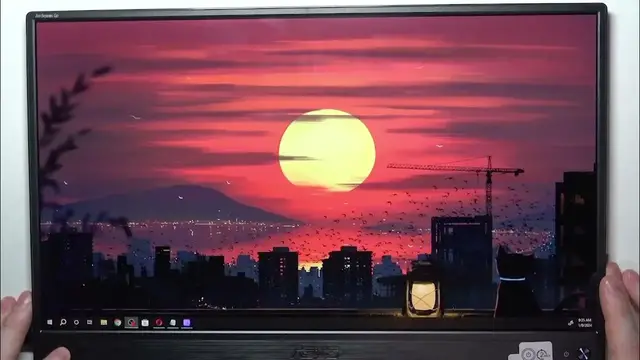

How To Enable & Disable Auto Rotation In ASUS ZenScreen Go
Jan 19, 2024

Find out more : https://www.hardreset.info/
Effortlessly switch between portrait and landscape modes on your ASUS ZenScreen Go by learning how to enable and disable Auto Rotation. This tutorial provides a quick guide, allowing you to customize screen orientation on the go. Whether you're collaborating on documents or consuming content, this video is your key to mastering Auto Rotation on the ASUS ZenScreen Go.
How to switch between portrait and landscape modes on ZenScreen Go?
Where to find Auto Rotation controls on ZenScreen Go?
Can users customize Auto Rotation preferences easily?
Indicators for successful Auto Rotation activation or deactivation?
How quickly can users enable or disable Auto Rotation?
Specific scenarios where Auto Rotation is beneficial?
How does Auto Rotation enhance user experience?
Seamless integration of Auto Rotation into daily workflow
#Asus #wirelessdisplay #screen
Follow us on Instagram ► https://www.instagram.com/hardreset.info
Like us on Facebook ► https://www.facebook.com/hardresetinfo/
Tweet us on Twitter ► https://twitter.com/HardResetI
Support us on TikTok ► https://www.tiktok.com/@hardreset.info
Use Reset Guides for many popular Apps ► https://www.hardreset.info/apps/apps/
Show More Show Less #Science