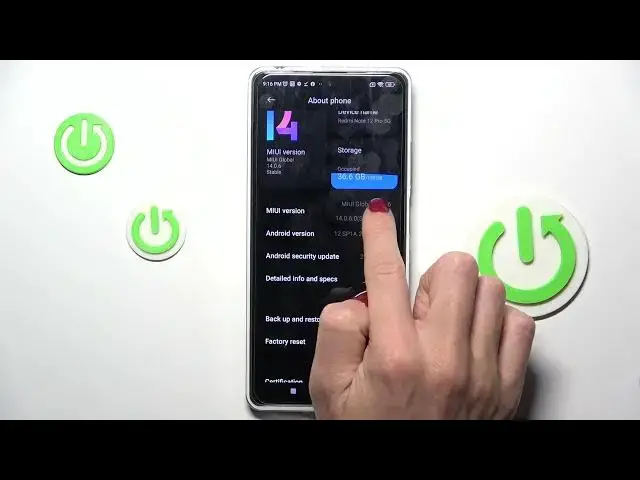

How to Enable Developer Options on a REDMI Note 12 Pro - Reveal Developer Settings
Jul 29, 2024

Learn more about the REDMI Note 12 Pro: https://www.hardreset.info/devices/redmi/redmi-note-12-pro/tutorials/
In this video, we will show you how to reveal developer options on your REDMI Note 12 Pro. Developer options provide advanced features and settings for users who want to customize their devices and perform advanced tasks. However, these options are hidden by default and need to be revealed first. We will guide you through the process of accessing the device information settings on your REDMI Note 12 Pro, locating the build number option, and tapping it multiple times to reveal the developer options. This tutorial will help you unlock the potential of your device and access advanced features. So, let's get started and learn how to reveal developer options on your REDMI Note 12 Pro!
How to turn on developer options on a REDMI Note 12 Pro? How to reveal developer options on a REDMI Note 12 Pro? How to make developer options visible on a REDMI Note 12 Pro? How to access developer options on a REDMI Note 12 Pro?
#REDMINote12Pro #DeveloperOptions #XIAOMISettings
Follow us on Instagram ► https://www.instagram.com/hardreset.info
Like us on Facebook ►
https://www.facebook.com/hardresetinfo/
Tweet us on Twitter ► https://twitter.com/HardResetI
Support us on TikTok ► https://www.tiktok.com/@hardreset.info
Use Reset Guides for many popular Apps ► https://www.hardreset.info/apps/apps/
Show More Show Less