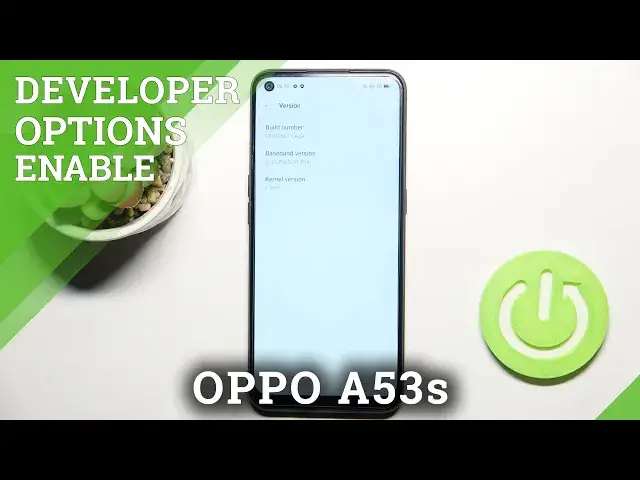

How to Enable Developer Options in OPPO A53s - Unlock Advanced Settings
Jul 5, 2024

Learn more about OPPO A53s
https://www.hardreset.info/devices/oppo/oppo-a53s-5g/
If you're wondering how to enter developer options on your OPPO A53s, here's how to do it! Our goal in this tutorial is to show you where to find the proper settings section and what to do with it so you can activate developer options. There you'll find advanced settings that normal users don't see.
Check out all the extra options your device has by following all the steps!
How to enable developer options in OPPO A53s? How to activate developer options in OPPO A53s? How to open developer settings in OPPO A53s? How to allow USB debugging in OPPO A53s? How to unlock OEM in OPPO A53s?
#DeveloperOptions #DeveloperSettings #OPPOA53s
Follow us on Instagram ► https://www.instagram.com/hardreset.info
Like us on Facebook ► https://www.facebook.com/hardresetinfo/
Tweet us on Twitter ► https://twitter.com/HardResetI
Support us on TikTok ► https://www.tiktok.com/@hardreset.info
Use Reset Guides for many popular Apps ► https://www.hardreset.info/apps/apps/
Show More Show Less