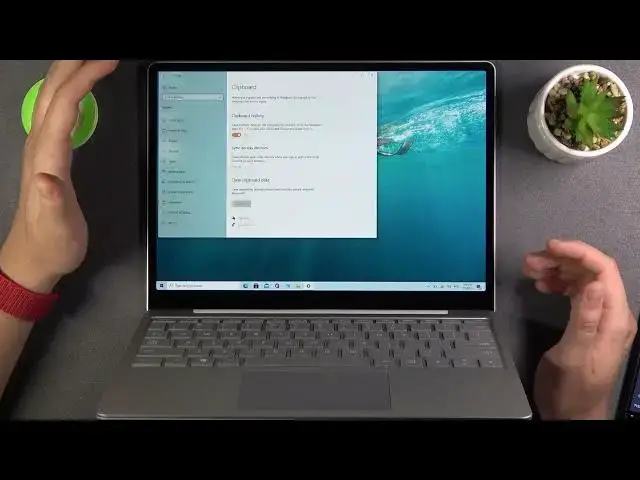

How to Enable Clipboard History on MICROSOFT Surface Go - Show Clipboard History on Windows 10
Jul 9, 2024

Read more tutorials about Surface Go:
https://www.hardreset.info/devices/microsoft/microsoft-surface-go/
In this video you find out how to enable / disable Clipboard History in Surface Go. Let's save multiple items to the clipboard in order to use it faster. All you need to do is press the Windows logo key + V to view your history and paste from it. Find the easy way to use clipboard history.
How to disable clipboard history in Surface Go? How to show clipboard history in Surface Go? How to turn on clipboard history in Surface Go? How to use clipboard history in Surface Go?
#clipboardhistory #SurfaceGo #Windowsclipboard
Follow us on Instagram ► https://www.instagram.com/hardreset.info
Like us on Facebook ► https://www.facebook.com/hardresetinfo/
Tweet us on Twitter ► https://twitter.com/HardResetI
Support us on TikTok ► https://www.tiktok.com/@hardreset.info
Use Reset Guides for many popular Apps ► https://www.hardreset.info/apps/apps/
Show More Show Less