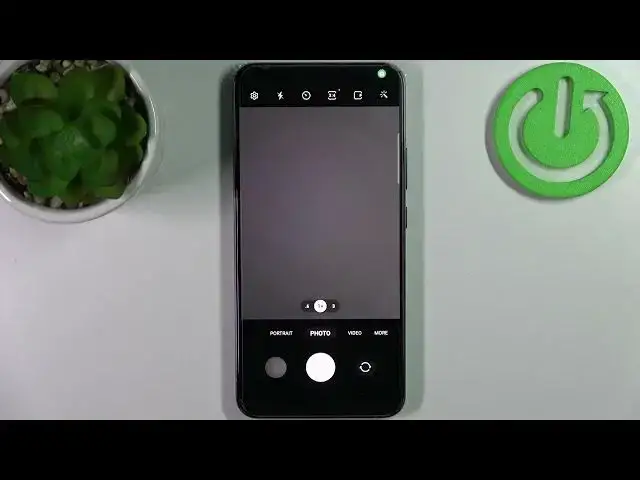

How to Enable Camera Mirroring on SAMSUNG Galaxy A53 - Turn On Camera Mirroring
Apr 6, 2024

Find out more info about SAMSUNG Galaxy A53 5G:
https://www.hardreset.info/devices/samsung/samsung-galaxy-a53-5g/
Hello! If you want to know how to enable or disable camera mirroring on SAMSUNG Galaxy A53, you need to open this tutorial. We'll show you how to open the camera settings and then we will show you how to allow saving selfies as previewed without flipping them. If you want, you can turn on the camera mirroring feature in the same way. Do you want to know more about your SAMSUNG Galaxy A53? Let's visit our YouTube channel.
How to Disable Mirror Effect Camera in SAMSUNG Galaxy A53? How to Enable Mirror Effect Camera in SAMSUNG Galaxy A53? How to Switch Off Mirror Effect Camera in SAMSUNG Galaxy A53? How to Switch On Mirror Effect Camera in SAMSUNG Galaxy A53?
#MirrorEffect #FrontCameraSettings #SAMSUNGGalaxyA53
Follow us on Instagram ► https://www.instagram.com/hardreset.info
Like us on Facebook ► https://www.facebook.com/hardresetinfo/
Tweet us on Twitter ► https://twitter.com/HardResetI
Support us on TikTok ► https://www.tiktok.com/@hardreset.info
Use Reset Guides for many popular Apps ► https://www.hardreset.info/apps/apps/
Show More Show Less