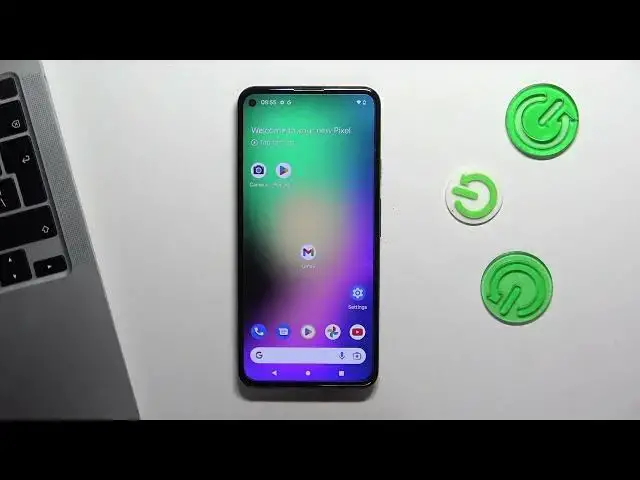

How to enable Caller ID announcement on Pixel 5A / How to announce Caller Name when calling
Mar 23, 2024

More info about your device you can find here: https://www.hardreset.info/devices/google/google-pixel-5a-5g/tutorials/
In this video tutorial, we'll show you how to enable caller ID announcement on your Google Pixel 5A. This feature allows you to hear who is calling you without looking at your phone screen. You can choose to announce calls from all numbers, using headphones or external speaker. With just a few simple steps, we'll show you how to enable caller ID announcement on your Google Pixel 5A and enjoy this convenient feature.
How to Turn On Caller ID Announcement on Google Pixel 5A?
How to Use Caller ID Announcement on Google Pixel 5A?
How to Activate Caller ID Announcement on Google Pixel 5A?
#googlepixel #callerid #announcement
Follow us on Instagram ► https://www.instagram.com/hardreset.info
Like us on Facebook ► https://www.facebook.com/hardresetinfo/
Tweet us on Twitter ► https://twitter.com/HardResetI
Support us on TikTok ► https://www.tiktok.com/@hardreset.info
Use Reset Guides for many popular Apps ► https://www.hardreset.info/apps/apps/
Show More Show Less