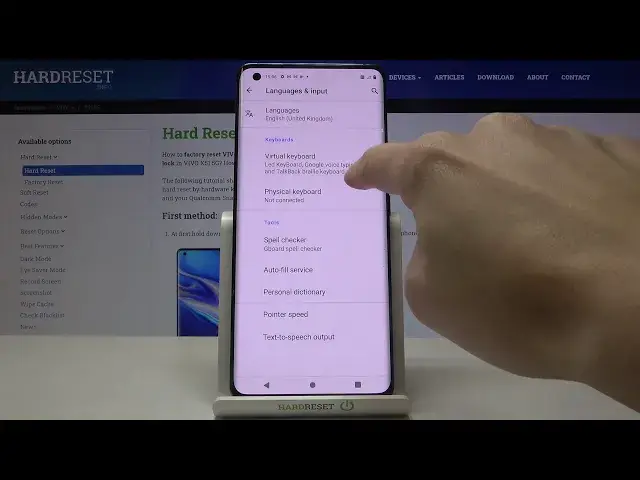

How to Enable Auto Capitalization on VIVO X51 – Turn on Auto Capitalization
Apr 24, 2024

Learn more info about VIVO X51 5G:
https://www.hardreset.info/devices/vivo/vivo-x51-5g/
If you want to learn how to enable auto-capitalization on your VIVO X51 5G, let's open the attached tutorial. Our specialist will show you where all the text correction options are and activate auto-capitalization. Thanks to this option, each new sentence will automatically start with a capital letter. Discover more text correction options - go to our YouTube channel and find more tutorials for VIVO X51 5G there.
How to activate autocapitalization in VIVO X51 5G? How to turn on autocapitalization in VIVO X51 5G? How to manage autocapitalization in VIVO X51 5G? How to apply autocapitalization in VIVO X51 5G? How to activate autocorrection in VIVO X51 5G? How to use autocorrection in VIVO X51 5G? How to turn on autocorrect in VIVO X51 5G? How to turn autocorrect off in VIVO X51 5G? How to switch from autocorrection to normal keyboard in VIVO X51 5G?
#AutoCapitalization #TextCorrectionOptions #VIVOX515G
Follow us on Instagram ► https://www.instagram.com/hardreset.info
Like us on Facebook ► https://www.facebook.com/hardresetinfo/
Tweet us on Twitter ► https://twitter.com/HardResetI
Support us on TikTok ► https://www.tiktok.com/@hardreset.info
Use Reset Guides for many popular Apps ► https://www.hardreset.info/apps/apps/
Show More Show Less