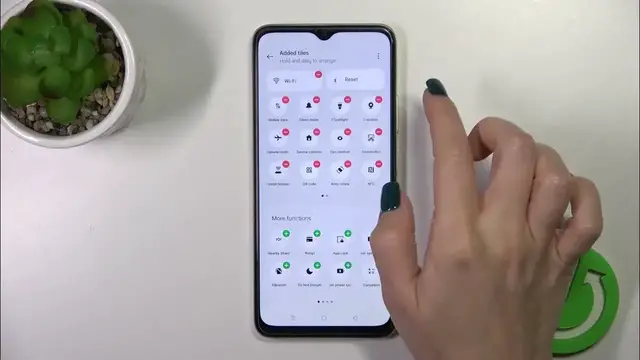

How to Edit the Control Panel Layout on OPPO A38 - Adding & Removing Notification Panel Icons
Jan 19, 2024

We invite you to visit our website and learn more about OPPO A38:https://www.hardreset.info/devices/oppo/oppo-a38/
Revamp your control, redefine your experience! Dive into the customization wonders as we guide you through changing the control panel tiles layout on your OPPO A38. Unleash the full potential of personalization by arranging and optimizing your control panel to suit your unique style and preferences. Learn the easy steps to make your OPPO A38 truly yours, ensuring quick access to the features that matter most to you.
How to edit the tile layout of a quick access panel on OPPO A38? How to change the control panel layout on OPPO A38? How to customize the notification panel icons order on OPPO A38?
#OPPOA38 #ControlPanel #OPPOIcons
Follow us on Instagram ► https://www.instagram.com/hardreset.info
Like us on Facebook ► https://www.facebook.com/hardresetinfo/
Tweet us on Twitter ► https://twitter.com/HardResetI
Support us on TikTok ► https://www.tiktok.com/@hardreset.info
Use Reset Guides for many popular Apps ► https://www.hardreset.info/apps/apps/
Show More Show Less