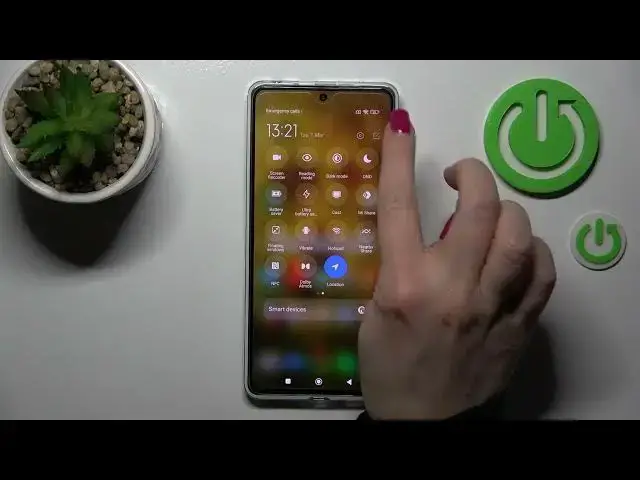

How to Edit Notification Panel Shortcuts on POCO X5 Pro - Adjust Shortcut Icons
Jul 27, 2024

Find out more about POCO X5 Pro:
https://www.hardreset.info/devices/xiaomi/xiaomi-poco-x5-pro/tutorials/
Good Day. Our goal today is to present how to customize Shortcuts in the Notification Panel on POCO X5 Pro. It will be explained how to edit shortcuts, how to add and remove them, and how to change their locations. Thank you so much for watching! If you want to know more about your POCO X5 Pro, visit our YouTube channel.
How to edit notification shortcut icons in POCO X5 Pro? How to access the Notification Bar in POCO X5 Pro? How to adjust Notification Panel Shortcuts in POCO X5 Pro?
#EditShortcuts #NotificationPanel #POCOX5Pro
Follow us on Instagram ► https://www.instagram.com/hardreset.info
Like us on Facebook ► https://www.facebook.com/hardresetinfo/
Tweet us on Twitter ► https://twitter.com/HardResetI
Support us on TikTok ► https://www.tiktok.com/@hardreset.info
Use Reset Guides for many popular Apps ► https://www.hardreset.info/apps/apps/
Show More Show Less