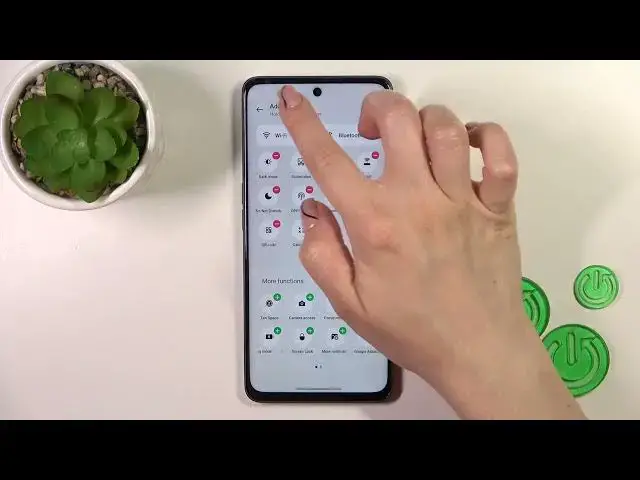

How to Edit Notification Panel Shortcuts on Oppo A1 - Adjust Shortcut Icons
Aug 2, 2024

Find out more about Oppo A1:
https://www.hardreset.info/devices/oppo/oppo-a1-5g/tutorials/
Hi. Let us explain today how to customize the notification panel shortcuts on Oppo A1. Our expert will present in detail how to edit, add, remove, and rearrange the shortcuts according to your personal preferences. We appreciate your time and thank you for watching this video tutorial! If you want to know more about your Oppo A1, visit our YouTube channel.
How to edit notification panel shortcut icons in Oppo A1? How to adjust notification bar shortcuts in Oppo A1? How to open the Notification Bar in Oppo A1?
#EditShortcuts #NotificationPanel #OppoA1
Follow us on Instagram ► https://www.instagram.com/hardreset.info
Like us on Facebook ► https://www.facebook.com/hardresetinfo/
Tweet us on Twitter ► https://twitter.com/HardResetI
Support us on TikTok ► https://www.tiktok.com/@hardreset.info
Use Reset Guides for many popular Apps ► https://www.hardreset.info/apps/apps/
Show More Show Less