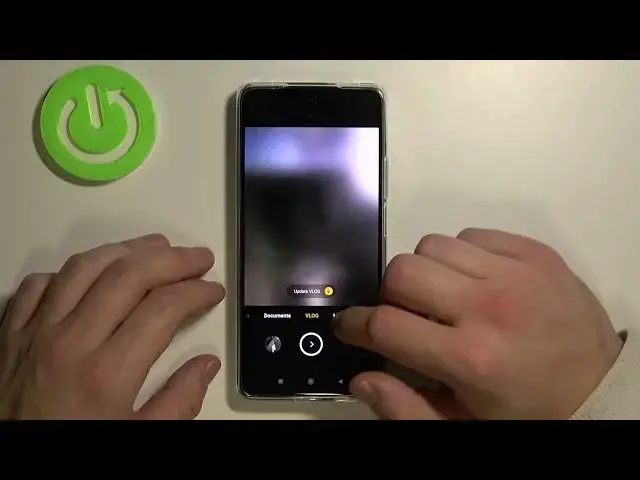

How to Edit Camera Modes on XIAOMI 11T – Manage Camera
Apr 8, 2024

More tutorials with XIAOMI 11T:
https://www.hardreset.info/devices/xiaomi/xiaomi-11t/
In XIAOMI 11T, there are several camera modes available for the users, but it might be tricky to get into all of them. However, today you will learn how to get access to all of them. We will show you how to edit camera modes on you XIAOMI 11T. Follow the instructions presented in the video to find all camera modes and learn how to add them to the camera’s start screen. Visit our YouTube channel to discover more tutorials for XIAOMI 11T. Personalize your XIAOMI smartphone within a couple of minutes!
How to edit camera modes on XIAOMI 11T? How to manage camera modes on XIAOMI 11T? How to get access to different camera modes on XIAOMI 11T? How to find all camera modes on XIAOMI 11T? How to find camera modes on XIAOMI 11T? How to enable camera modes on XIAOMI 11T? How to adjust camera modes on XIAOMI 11T?
#CameraModes #CameraFeatures #XIAOMI11T
Follow us on Instagram ► https://www.instagram.com/hardreset.info
Like us on Facebook ► https://www.facebook.com/hardresetinfo/
Tweet us on Twitter ► https://twitter.com/HardResetI
Support us on TikTok ► https://www.tiktok.com/@hardreset.info
Use Reset Guides for many popular Apps ► https://www.hardreset.info/apps/apps/
Show More Show Less