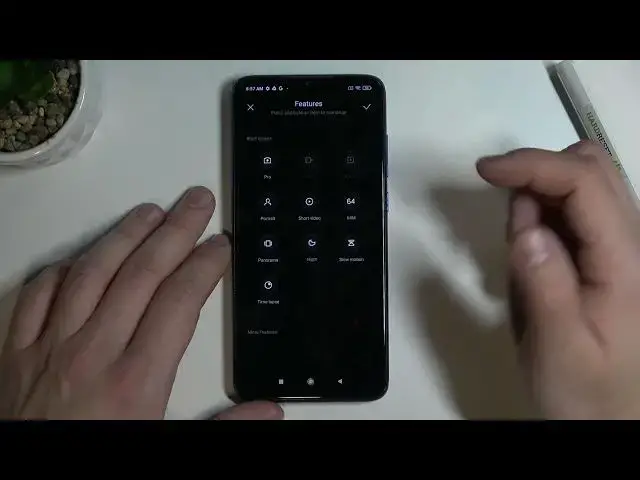

How to Edit Camera Modes Layout on XIAOMI Redmi Note 8 Pro
Jul 1, 2024

Learn more information about the XIAOMI Redmi Note 8 Pro:
https://www.hardreset.info/devices/xiaomi/xiaomi-redmi-note-8-pro/
The Camera modes on your XIAOMI Redmi Note 8 Pro smartphone are located in the separate camera section and the shortcuts for these modes can be accessed from there. In today's video, we will show how you can manage the layout of those shortcuts and edit it. Thus, if you would like to learn how to change the layout of camera modes on the XIAOMI Redmi Note 8 Pro device, we are gladly encouraging you to view this video. Please enjoy!
How to manage the camera modes layout on XIAOMI Redmi Note 8 Pro? How to configure the camera modes layout on XIAOMI Redmi Note 8 Pro? How to change the camera modes layout on XIAOMI Redmi Note 8 Pro?
#XIAOMIRedmiNote8Pro #ModesLayout #XIAOMICamera
Follow us on Instagram ► https://www.instagram.com/hardreset.info
Like us on Facebook ►
https://www.facebook.com/hardresetinfo/
Tweet us on Twitter ► https://twitter.com/HardResetI
Support us on TikTok ► https://www.tiktok.com/@hardreset.info
Use Reset Guides for many popular Apps ► https://www.hardreset.info/apps/apps/
Show More Show Less