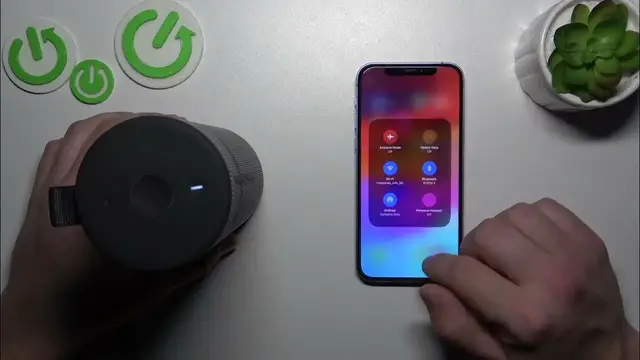

How to Disconnect Your Ultimate Ears Boom 3 from an iPhone
Jan 17, 2024

Find out more: https://www.hardreset.info/devices/
Unleash the full potential of your Ultimate Ears Boom 3 by mastering the simple yet essential skill of disconnecting it from your iPhone, showcased in our latest video. Tailored for music enthusiasts and tech users alike, this guide simplifies the process of managing your UE Boom 3's Bluetooth connections with iOS devices. Whether you're switching to another sound source, resolving pairing conflicts, or just need a break from your tunes, we've got you covered. Our video walks you through every step of the disconnection process, ensuring a smooth and hassle-free experience. Ideal for those who frequently alternate between devices or seek to maintain control over their audio setup, this tutorial enhances your understanding and capability with the UE Boom 3's wireless connectivity. Join us to navigate your way through seamless audio management and stay updated with more tech insights by liking, subscribing, and enabling notifications!
#UEBoom3iPhone
#DisconnectBluetooth
#TechHowTo
Questions for the Video:
How to initiate the disconnection of the UE Boom 3 from an iPhone?
How to troubleshoot if the UE Boom 3 won't disconnect from your iPhone?
How to manage Bluetooth settings on your iPhone for the UE Boom 3?
How to ensure your UE Boom 3 does not auto-reconnect to the iPhone?
How to switch your UE Boom 3 connection from one iOS device to another?
Follow us on Instagram ► https://www.instagram.com/hardreset.info
Like us on Facebook ► https://www.facebook.com/hardresetinfo/
Tweet us on Twitter ► https://twitter.com/HardResetI
Support us on TikTok ► https://www.tiktok.com/@hardreset.info
Use Reset Guides for many popular Apps ► https://www.hardreset.info/apps/apps/
Show More Show Less #Science