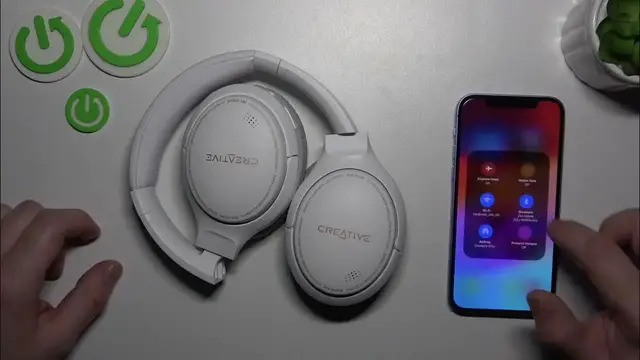

How To Disconnect Creative Zen Hybrid from iPhone – Step by Step
Jan 17, 2024

Find out more: https://www.hardreset.info/devices/
Navigate the world of smart connectivity with our latest video, "Creative Zen Hybrid: Disconnect from iPhone". This essential tutorial is tailored for users who integrate their Creative Zen Hybrid headphones with iOS devices. Focusing on the straightforward yet crucial process of disconnecting from iPhones, this guide is a lifesaver for those looking to switch audio sources, solve pairing problems, or simply master their device's features. We provide a comprehensive walkthrough on managing Bluetooth connections between your Creative Zen Hybrid and iPhone, ensuring hassle-free disconnection. Ideal for tech enthusiasts and everyday users, this video not only simplifies the disconnection process but also offers insights into maintaining your device’s performance and battery efficiency. Whether you're a seasoned tech user or new to wireless audio, this tutorial is your key to a seamless and proficient disconnection experience, enhancing your overall enjoyment of the Creative Zen Hybrid.
#CreativeZenHybrid
#iPhoneConnectivity
#BluetoothAudioTips
Related "How To" Questions:
How to properly disconnect your Creative Zen Hybrid from an iPhone?
How to troubleshoot Bluetooth issues when disconnecting from an iPhone?
How to ensure your Creative Zen Hybrid doesn’t auto-connect to your iPhone?
How to manage your iPhone’s settings for a smooth disconnection process?
How to check if your Creative Zen Hybrid has successfully disconnected from the iPhone?
Follow us on Instagram ► https://www.instagram.com/hardreset.info
Like us on Facebook ► https://www.facebook.com/hardresetinfo/
Tweet us on Twitter ► https://twitter.com/HardResetI
Support us on TikTok ► https://www.tiktok.com/@hardreset.info
Use Reset Guides for many popular Apps ► https://www.hardreset.info/apps/apps/
Show More Show Less