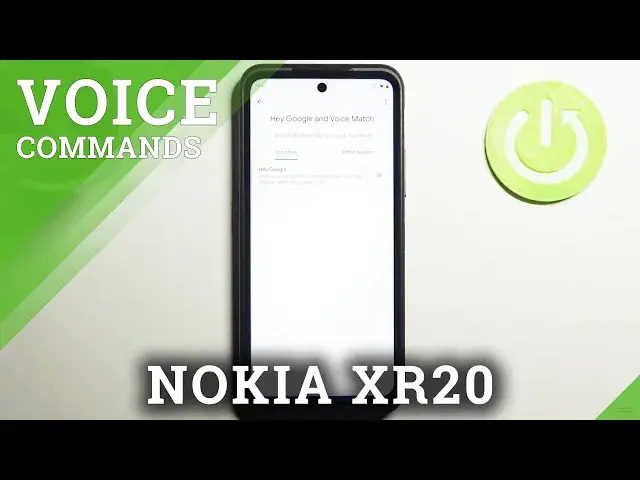

How to Disable Hey Google on NOKIA XR20 - Turn off Hey Google for Google Assistant
Jul 6, 2024

Learn more info about NOKIA XR20:
https://www.hardreset.info/devices/nokia/nokia-xr20/
Open this tutorial if you want to find out how to disable Hey Google for Google Assistant in NOKIA X20. Follow our instructions, open the Google Settings, enter the Google Assistant setting and disable Hey Google for Google Assistant. From now on, your Assistant will not respond to voice commands, but you will still be able to use it through written messages. Visit our YouTube channel if you want to know more about Google Assistant or the NOKIA XR20.
How to turn off Hey Google in NOKIA XR20? How to disable Hey Google in NOKIA XR20? How to turn off OK Google in NOKIA XR20? How to turn off Hey Google for Google Assistant in NOKIA XR20? How to disable Hey Google for Google Assistant in NOKIA XR20?
#TurnOffHeyGoogle #DisableHeyGoogle #NOKIAXR20
Follow us on Instagram ► https://www.instagram.com/hardreset.info
Like us on Facebook ► https://www.facebook.com/hardresetinfo/
Tweet us on Twitter ► https://twitter.com/HardResetI
Support us on TikTok ► https://www.tiktok.com/@hardreset.info
Use Reset Guides for many popular Apps ► https://www.hardreset.info/apps/apps/
Show More Show Less