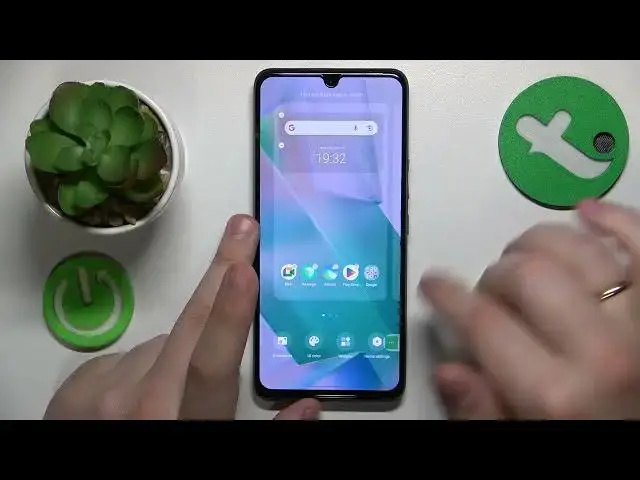

How to Disable Global Search in VIVO - Turn Off the Global Search Feature
Mar 16, 2024

You are always welcome to visit our web portal to learn more about mobile devices and more: https://www.hardreset.info/
Are you tired of the global search feature constantly popping up on your VIVO smartphone? In this informative tutorial video, we'll show you how to turn off global search and regain control over your phone's search behavior. We'll guide you through the step-by-step process of accessing the settings menu and navigating to the specific option that allows you to disable global search. You'll learn how to customize your phone's search experience according to your preferences, whether it's turning off suggestions or completely disabling the global search feature. Follow along with our easy instructions and take back control of your VIVO smartphone's search functionality. Don't forget to hit the like button and subscribe to our channel for more VIVO phone tips and tricks.
How to turn off the global search feature on VIVO smartphones? How to change home screen preferences on a VIVO phone? How to change the swipe downwards from the home screen function in VIVO?
#VIVOPhone #HomeScreen #VIVOGlobalSearch
Follow us on Instagram ► https://www.instagram.com/hardreset.info
Like us on Facebook ►
https://www.facebook.com/hardresetinfo/
Tweet us on Twitter ► https://twitter.com/HardResetI
Support us on TikTok ► https://www.tiktok.com/@hardreset.info
Use Reset Guides for many popular Apps ► https://www.hardreset.info/apps/apps/
Show More Show Less