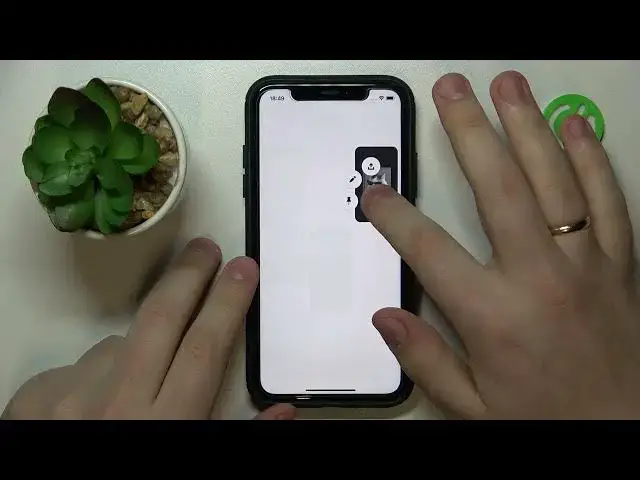

How to Delete Pins on Pinterest
Mar 23, 2024

We invite you to visit our website and learn more about the Pinterest app: https://www.hardreset.info/devices/apps/apps-pinterest/
In this YouTube video guide, we will show you how to delete pins on Pinterest. First, log in to your Pinterest account and navigate to the board where the pin is located. Find the pin you want to delete and click on it to open it in full screen mode. Next, click on the three dots in the top right corner of the pin and select "Delete Pin" from the dropdown menu. Pinterest will ask you to confirm that you want to delete the pin, so make sure you are certain before proceeding. If you want to keep the pin, you can move it to another board before deleting it from the original board. With this simple tutorial, you'll be able to easily delete any pin on Pinterest in just a few easy steps. Note: Be careful when deleting pins, as this action cannot be undone and the pin will be lost permanently.
How to remove saved pins on the Pinterest mobile app? How to delete your pins on Pinterest on a mobile phone? How to manage uploaded pictures on Pinterest? How to delete images from Pinterest?
#PinterestApp #DeletePins #PinterestPins
Follow us on Instagram ► https://www.instagram.com/hardreset.info
Like us on Facebook ► https://www.facebook.com/hardresetinfo/
Tweet us on Twitter ► https://twitter.com/HardResetI
Support us on TikTok ► https://www.tiktok.com/@hardreset.info
Use Reset Guides for many popular Apps ► https://www.hardreset.info/apps/apps/
Show More Show Less