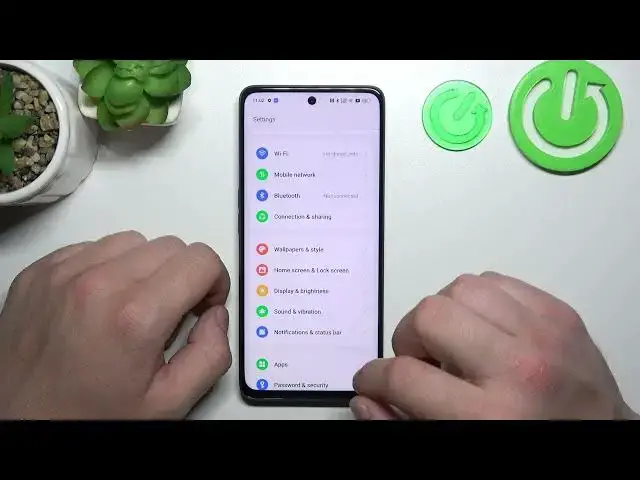

How to Delete Google Advertising ID on OPPO F23 - Clear Advertising Identifier
Aug 3, 2024

Learn more about OPPO F23
https://www.hardreset.info/devices/oppo/oppo-f23/tutorials/
With our tutorial, you will learn how to remove your Google Advertising ID and reset your personalized advertising settings on your OPPO F23. Using the Advertising ID settings on your device, you will be able to clear the identifier to maintain your privacy and limit personalized ads. Take control of your ad preferences on the OPPO F23 by deleting your Google Advertising ID.
How to clear Google Advertising ID on OPPO F23?
How to reset personalized ads on OPPO F23?
How to disable targeted advertising on OPPO F23?
How to manage ad preferences on OPPO F23?
#GoogleAdvertisingID #ClearAdvertisingIdentifier #OPPOF23
Follow us on Instagram ► https://www.instagram.com/hardreset.info
Like us on Facebook ► https://www.facebook.com/hardresetinfo/
Tweet us on Twitter ► https://twitter.com/HardResetI
Support us on TikTok ► https://www.tiktok.com/@hardreset.info
Use Reset Guides for many popular Apps ► https://www.hardreset.info/apps/apps/
Show More Show Less