0:00
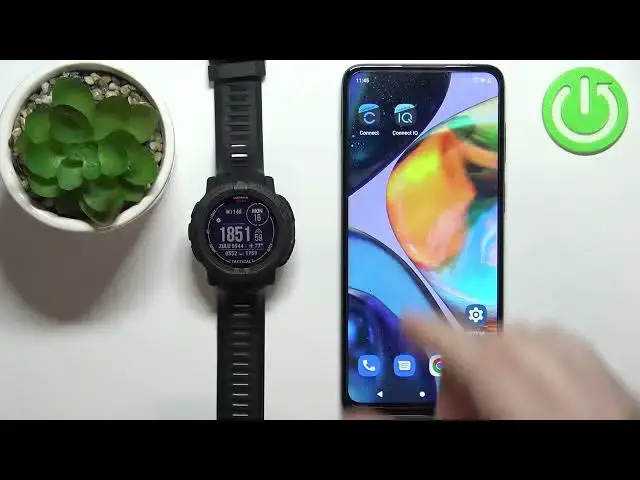
Welcome! In front of me I have Garmin Instinct 2 Solar Tactical and I'm gonna
0:11
show you how to uninstall the applications from this watch. If you want
0:17
to uninstall the applications you can do it in two ways. You can do it straight
0:21
from the watch or by using the phone app. First I'm gonna do it or I'm gonna show
0:27
you how to do it straight from the watch. So let's press and hold the menu button
0:32
to open the menu. Once you open the menu use the down button to scroll down
0:36
select the option called activities and apps and press the GPS button to enter
0:42
And here we have the list of activities and apps. Find the one you want to
0:46
uninstall from your watch. For example scroll down, find the challenges and
0:54
let's say I want to uninstall the challenges from my watch. Select it, press
0:58
the GPS button, then find the option called delete, select it and press the GPS
1:06
As you can see it says that the app will be deleted from our device. Let's tap on
1:11
the or rather press the down button to scroll down, select continue and press
1:16
the GPS button to confirm. This is weird. I'm pressing the button but it doesn't
1:30
want to do anything. Let's try with the different one then. Maybe we can remove
1:35
this one. Oh no! It got removed. It was just locked. I believe stuck on the
1:40
screen. Yeah as you can see it's gone. Okay that was weird. So basically that's
1:46
how you remove it from the watch. You select it, select the delete option, then
1:50
select confirm and press the GPS to confirm. Okay and to remove it with
1:56
the help of the app if you're using the normal connect app you can open the
2:04
Garmin Connect app on the phone that is paired with your watch of course because
2:08
the watch needs to be paired with your phone to use the app. Open the menu
2:13
by tapping on the menu button, scroll down, tap on Garmin devices, select
2:19
your instinct to solar tactical, find the activities and apps. Here you have the
2:26
list of apps and activities. Find the one you want to remove from your watch, tap
2:31
on it and tap on the more options icon and here we have delete from device and
2:38
it's gonna be removed as you can see. If you're using the Garmin Connect IQ app
2:44
you can also open this up if you want to. Tap on your device right here, tap on my
2:53
device apps and if you have some installed apps because as you can see
2:58
here we have not installed so let's install one quickly so you can see how
3:02
to remove one. Let's install it. Okay it's installed. As you can see you will have
3:10
the installed apps on the list. You can tap on one to select it then tap on
3:16
uninstall to remove it from your watch like this. And once you're done you can
3:21
close the apps. And that's how you uninstall the applications from this
3:27
watch. Thank you for watching. If you found this video helpful please consider
3:31
subscribing to our channel and leaving the like on the video