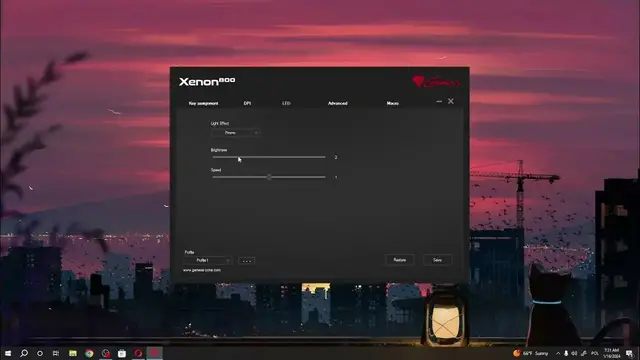

How To Customize RGB In Genesis Xenon 800
Jan 19, 2024

Find out more: https://www.hardreset.info/
Elevate your gaming setup with the Genesis Xenon 800 by learning how to customize RGB lighting. This tutorial provides a step-by-step guide, ensuring you can personalize the illumination of your gaming mouse to match your style and preferences. Whether you want vibrant colors, dynamic effects, or a synchronized setup, this video is your key to mastering RGB customization on the Genesis Xenon 800.
How can users easily customize RGB lighting on their Genesis Xenon 800 gaming mouse to enhance their gaming setup?
Are there specific controls or settings on the mouse or in the associated software that facilitate RGB customization, and where are they located?
Can users choose from a variety of colors, effects, or patterns to personalize the RGB lighting on the Genesis Xenon 800?
#genesis #genesisgaming #gamingmouse
Follow us on Instagram ► https://www.instagram.com/hardreset.info
Like us on Facebook ► https://www.facebook.com/hardresetinfo/
Tweet us on Twitter ► https://twitter.com/HardResetI
Support us on TikTok ► https://www.tiktok.com/@hardreset.info
Use Reset Guides for many popular Apps ► https://www.hardreset.info/apps/apps/
Show More Show Less #Science