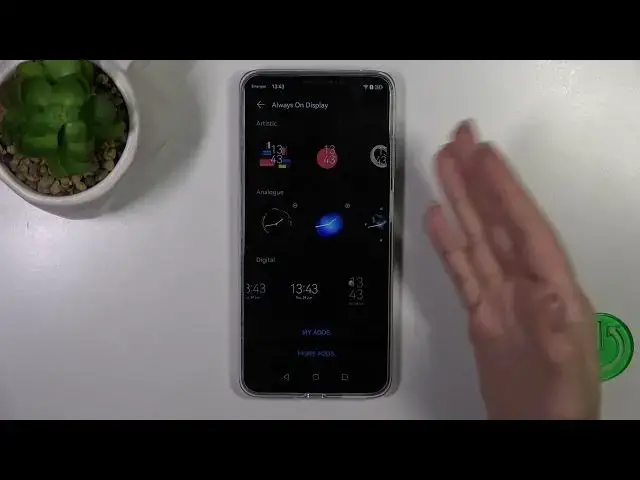

How to Customize AOD on HUAWEI Nova Y91? - Personalize Always On Display
Aug 3, 2024

Learn more about HUAWEI Nova Y91
https://www.hardreset.info/devices/huawei/huawei-nova-y91/tutorials/
Here are the steps for customizing your HUAWEI Nova Y91's Always On Display (AOD). You will learn how to enable or disable the AOD feature whenever you want, as well as how to choose different clock styles, add widgets, and customize the AOD settings. Our specialist will help you choose the right AOD clock style, add widgets, and customize the AOD settings to your liking. We have dedicated YouTube videos on customizing the AOD for the HUAWEI Nova Y91, where you can find more detailed information and visual guidance.
How to change the clock style on HUAWEI Nova Y91's Always On Display?
How to add widgets to the Always On Display on HUAWEI Nova Y91?
How to customize the AOD settings on HUAWEI Nova Y91?
How to enable or disable the Always On Display on HUAWEI Nova Y91?
#AODCustomization #HUAWEINovaY91 #PersonalizeDisplay
Follow us on Instagram ► https://www.instagram.com/hardreset.info
Like us on Facebook ► https://www.facebook.com/hardresetinfo/
Tweet us on Twitter ► https://twitter.com/HardResetI
Support us on TikTok ► https://www.tiktok.com/@hardreset.info
Use Reset Guides for many popular Apps ► https://www.hardreset.info/apps/apps/
Show More Show Less