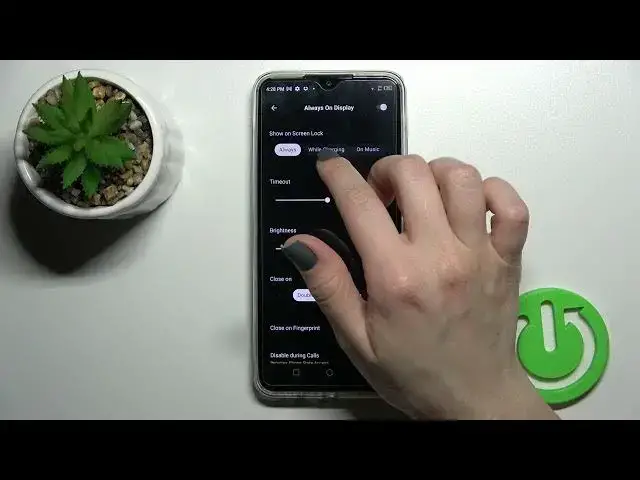

How to Customize Always on Display of Infinix Hot 11 - Install Muviz Edge App
Jul 2, 2024

Check out our website to find out more about Infinix Hot 11: https://www.hardreset.info/devices/infinix/infinix-hot-11/
Today, we are coming to you with a short guide from which you’ll find out how to Customize Always on the Display feature, in Muviz Edge App! This way, you’ll be able to create a perfect AOD, that will show up on a blank screen whenever you lock Infinix Hot 11. So, don’t wait, follow all steps, and within minutes enjoy an amazing customized AOD, on your device. Let’s begin!
How to Change Always On Display Feature in INFINIX HOT 11? How to Customize Always On Display in INFINIX HOT 11? How to Customize Always on Display Theme in INFINIX HOT 11? How to Set Up Theme of Always on Display in INFINIX HOT 11? How to Change Theme in Always on Display on INFINIX HOT 11? How to Change Theme of Screen Lock in INFINIX HOT 11? How to Change Clock in Always on Display in INFINIX HOT 11? How to Create Unique Screen Lock of INFINIX HOT 11?
#InfinixHot11 #CustomizeAlwaysOnDisplay #lMuvizEdgeApp
Follow us on Instagram ► https://www.instagram.com/hardreset.info
Like us on Facebook ► https://www.facebook.com/hardresetinfo/
Tweet us on Twitter ► https:g//twitter.com/HardResetI
Support us on TikTok ►https://tiktok.com/@hardreset.info
Use Reset Guides for many popular Apps ► https://www.hardreset.info/apps/apps/
Show More Show Less #Computer Hardware
#Software
#Home Appliances