0:00
Welcome! Efram Mizey, Oppo A9 from 2020 and today I will show you how to enable and
0:10
set up portable hotspot. So to get started you want to go into the settings
0:15
then other wireless connections and from here at the top you'll find personal
0:21
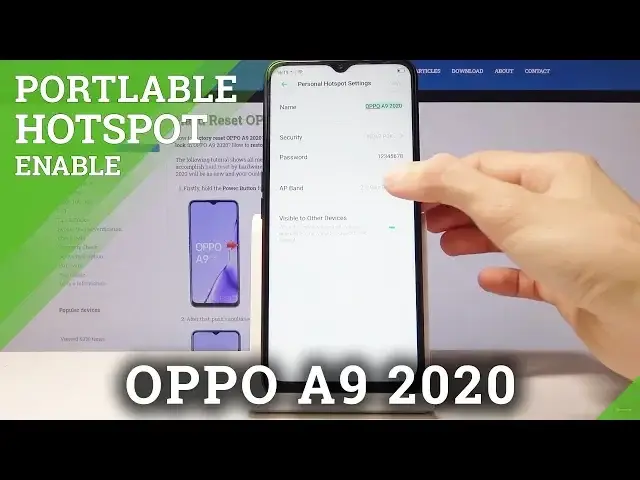
hotspot. So tap on that and choose personal hotspot settings. This will
0:26
allow you to change the password and the name of the network that you will see. So you can either keep that as it is, it doesn't really matter for anything
0:34
it's just the name that will be displayed in Wi-Fi connections and the
0:38
password that's something that matters because without it you won't be able to actually connect to network. So you might want to change it to something for you
0:47
that is like easy to remember or you can just keep it as it is right now
0:51
considering this one seems to be fairly easy. Then you also have the option to
0:58
change to 4.2 or 5 gigahertz band. Now this is dependent on what device you
1:05
will be using to connect. The 5 gigahertz one isn't necessarily being supported by
1:11
older devices, specifically the older phones won't be able to connect to the
1:16
5 one, they won't even see it. So if you're using some kind of older device to connect to it or to use this feature then I would advise on sticking with
1:25
2.4. And basically if you change anything make sure you tap on save but
1:31
well I didn't really change anything. From here you can go back and enable it by
1:36
tapping it right here, enable your personal hotspot. Also you get a
1:40
connection manager if you wish to. You can change how many people can connect
1:45
to it so for instance you can have only one person that will be able to
1:49
connect even though multiple people might know the password and you can kick
1:55
people from there as well if you choose. And now you'd be able to connect to this
1:59
on a different device if you choose to do so. But that is how you set up the
2:06
personal hotspot and if you found this very helpful don't forget to hit like, subscribe and thanks for watching