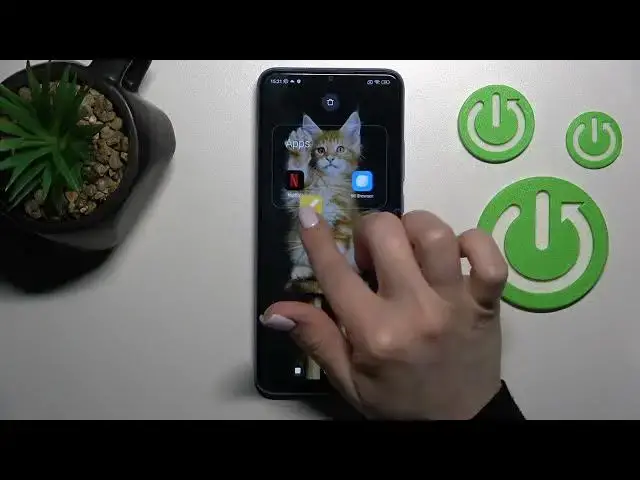

How to Create Home Screen Folders on XIAOMI Redmi 10C - Add Folder to Home Screen
Jul 1, 2024

Find out more info about XIAOMI Redmi 10C:
https://www.hardreset.info/devices/xiaomi/xiaomi-redmi-10c/tutorials/
If you want to know how to create a folder on the home screen in XIAOMI Redmi 10C, watch this tutorial. Our expert will show you how to successfully create a folder and then how to move applications to it. Also, learn how to rename a folder. If you have a lot of applications on your device, thanks to folders you will be able to sort them all faster. Visit our YouTube channel if you want to discover more XIAOMI Redmi 10C tricks.
How to create a folder in XIAOMI Redmi 10C? How to clean the home screen in XIAOMI Redmi 10C? How to group apps in XIAOMI Redmi 10C? How to organize home screen in XIAOMI Redmi 10C? How to make a folder on home screen in XIAOMI Redmi 10C?
#CreateFolder #FolderOnHomeScreen #XIAOMIRedmi10C
Follow us on Instagram ► https://www.instagram.com/hardreset.info
Like us on Facebook ► https://www.facebook.com/hardresetinfo/
Tweet us on Twitter ► https://twitter.com/HardResetI
Support us on TikTok ► https://www.tiktok.com/@hardreset.info
Use Reset Guides for many popular Apps ► https://www.hardreset.info/apps/apps/
Show More Show Less #Online Goodies
#Skins, Themes & Wallpapers