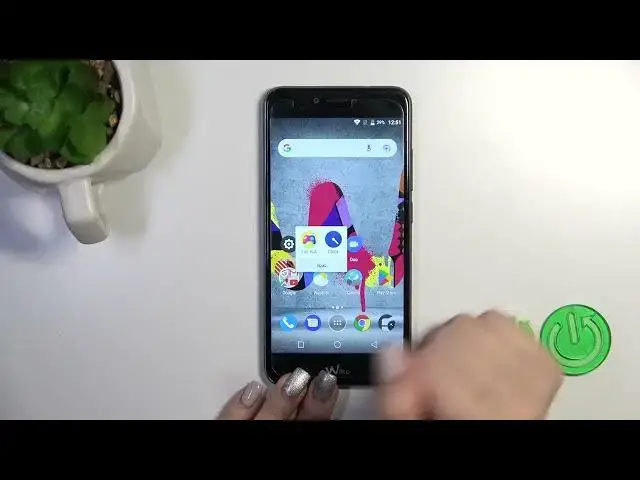

How to Create Home Screen Folders on WIKO U Pulse? - Make Your Apps Organize
Mar 16, 2024

Learn more about WIKO U Pulse
https://www.hardreset.info/devices/wiko/wiko-u-pulse/tutorials/
With this tutorial, you can create home screen folders on your WIKO U Pulse and organize your apps into folders so that you can easily access your favorite apps. By organizing your apps into folders, you can declutter your home screen and access your favorite apps more easily. Our step-by-step guide will show you how to create folders, rename them, and move apps into the folders. You can organize your apps with ease and stay organized on WIKO U Pulse by adjusting your home screen layout. Our HardReset.info YouTube channel has more informative tutorials.
How to create home screen folders on WIKO U Pulse?
How to organize apps into folders on WIKO U Pulse?
How to rename folders on WIKO U Pulse?
How to move apps into folders on WIKO U Pulse?
#HomeScreenFolders #OrganizeApps #WIKOUPulse
Follow us on Instagram ► https://www.instagram.com/hardreset.info
Like us on Facebook ► https://www.facebook.com/hardresetinfo/
Tweet us on Twitter ► https://twitter.com/HardResetI
Support us on TikTok ► https://www.tiktok.com/@hardreset.info
Explore Reset Guides for popular apps ► https://www.hardreset.info/apps/apps/
Show More Show Less