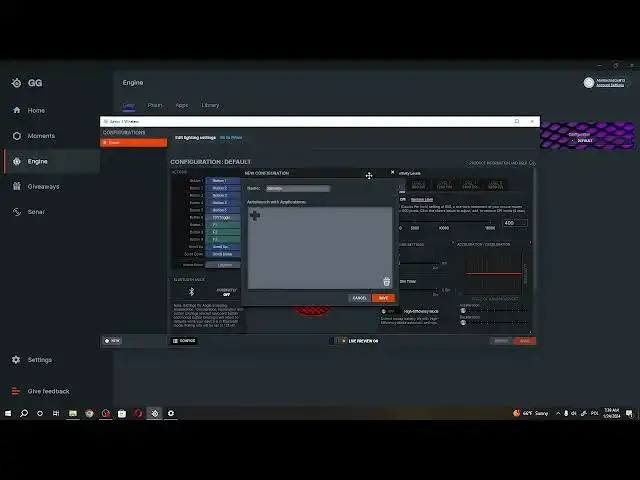

How To Create Configurations For Games & Etc In Steelseries Aerox 5 Wireless
Aug 9, 2024

Find out more: https://www.hardreset.info/
Elevate your gaming prowess with our comprehensive guide on creating configurations for games and more on the SteelSeries Aerox 5 Wireless gaming mouse. In this tutorial, we navigate through the steps to customize settings for different games, ensuring your mouse adapts seamlessly to the unique demands of each gaming scenario. Whether it's adjusting sensitivity, assigning macros, or tweaking button functions, the Aerox 5 Wireless empowers you to game your way. Watch now to discover how to create configurations and unleash the full potential of your Aerox 5 Wireless in every gaming adventure!
How can I create configurations for games on my SteelSeries Aerox 5 Wireless gaming mouse?
Why is creating game configurations important for optimizing mouse settings based on specific gaming scenarios?
What customization options are available when creating configurations for the Aerox 5 Wireless?
Can I save and switch between different configurations for various games or applications?
#steelseries #gamingmouse #wirelessmouse
Follow us on Instagram ► https://www.instagram.com/hardreset.info
Like us on Facebook ► https://www.facebook.com/hardresetinfo/
Tweet us on Twitter ► https://twitter.com/HardResetI
Support us on TikTok ► https://www.tiktok.com/@hardreset.info
Use Reset Guides for many popular Apps ► https://www.hardreset.info/apps/apps/
Show More Show Less