0:00
How to create an invisible folder on PC. I'm going to show it to you. Watch till the end
0:07
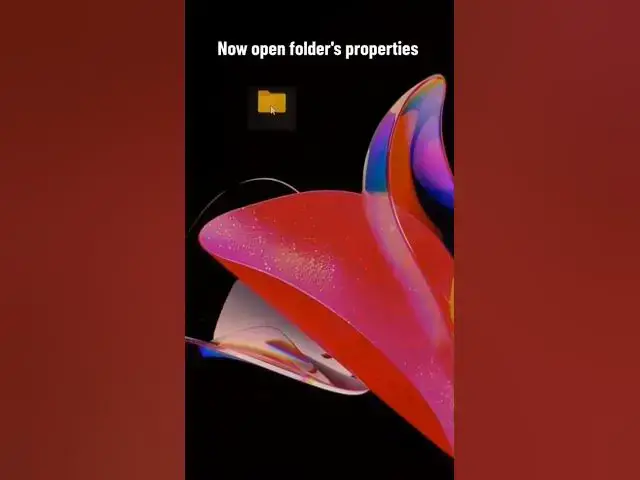
You can easily open it. First, create a normal folder. As the name of the folder, paste an invisible sign that I left in comments. Now open folders properties
0:24
Select customize section. Pick change icon option
0:37
And select an invisible icon here. Save changes. And here's the result
0:49
It is so easy to create. Share the video with friends