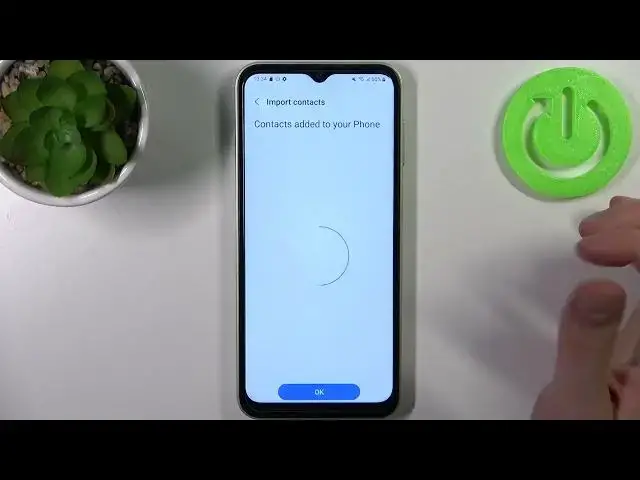

How to Copy Contacts on SAMSUNG Galaxy F14?
Jul 28, 2024

Check out more: https://www.hardreset.info/devices/samsung/samsung-galaxy-f14-5g/tutorials/
Now that you know how to copy contacts on your Samsung Galaxy F14, you can easily transfer your contacts to a new device or backup your contacts to a different location. By following a few simple steps in the Contacts app, you can select the contacts you want to copy and choose the destination for the copied contacts. Whether you're upgrading to a new device or just want to keep your contacts safe, copying contacts is an important task that you can now perform with ease on your Samsung Galaxy F14. Enjoy the peace of mind that comes with having a reliable backup of your important contacts!
How to Copy Contacts on SAMSUNG Galaxy F14?
How to Transfer Contacts on SAMSUNG Galaxy F14?
How to Move Contacts from SAMSUNG Galaxy F14 to SD?
#transfercontacts #copycontats #samsunggalaxyf14
Follow us on Instagram ► https://www.instagram.com/hardreset.info
Like us on Facebook ► https://www.facebook.com/hardresetinfo/
Tweet us on Twitter ► https://twitter.com/HardResetI
Support us on TikTok ► https://www.tiktok.com/@hardreset.info
Use Reset Guides for many popular Apps ► https://www.hardreset.info/apps/apps/
Show More Show Less