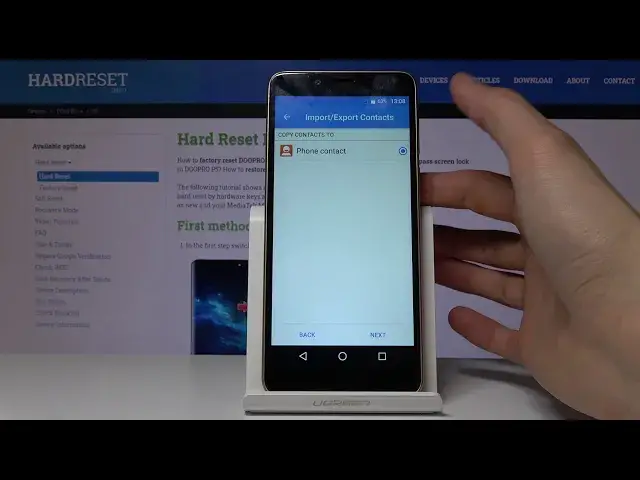

How to Copy Contacts in DOOPRO P5 - Transfer Phone Numbers form SIM to Internal Storage
May 15, 2024

More information about DOOPRO can be found here: https://www.hardreset.info/devices/doopro/doopro-p5/
Let’s find out the easiest way to copy contacts in your DOOPRO P5. If you want to transfer phone numbers between internal and external storage of DOOPRO P5, just follow our tutorial and learn how to import or export contacts on DOOPRO P5 smoothly and easily. Let's use the video guide and manage phone numbers on a GIGASET smartphone.
How to transfer contacts in DOOPRO P5? How to move contacts in DOOPRO P5? How to transport contacts in DOOPRO P5? How to move contacts from SIM to DOOPRO P5? How to import contacts to DOOPRO P5? How to export contacts in DOOPRO P5? How to manage contacts in DOOPRO P5?
#CopyContacts #TransferContacts #DOOPROP5
Follow us on Instagram ► https://www.instagram.com/hardreset.info
Like us on Facebook ► https://www.facebook.com/hardresetinfo/
Tweet us on Twitter ► https://twitter.com/HardResetI
Support us on TikTok ► https://www.tiktok.com/@hardreset.info
Use Reset Guides for many popular Apps ► https://www.hardreset.info/apps/apps/
Show More Show Less #Voice & Video Chat
#Teleconferencing