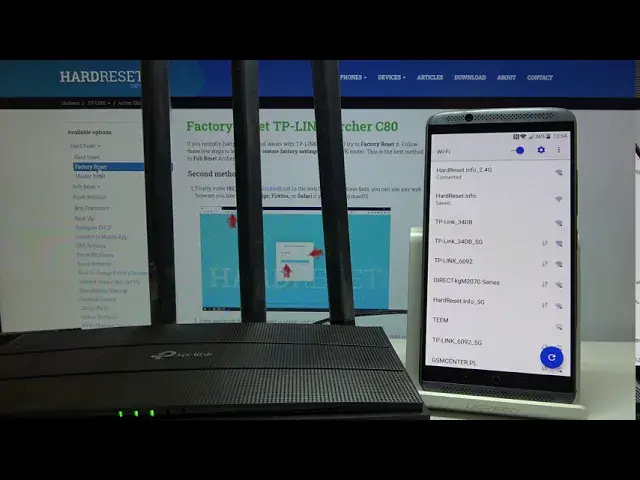

How to Connect to the TP-LINK Archer C80 for the First Time – Default Router Password and Username
Apr 30, 2024

Find out more: https://www.hardreset.info/devices/tp-link/tp-link-archer-c80/router-default-ssid-and-password/
When you want to connect to the router for the first time you may be confused about how to even start, first thing you need to watch is this video. I will present in a simple and accessible way how to access router settings using just your smartphone and dedicated Tether app. The Dedicated TP-LINK app is available both in the Google Play Store and in App Store for iOS. Learn how to find the default router SSID and password and connect to the TP-LINK Archer C80 for the first time.
How to connect with TP-LINK Archer C80? How to use TP-LINK Tether App? How to find the default router SSID and password? How to configure router settings? How to set up a home network with TP-LINK Archer C80? How to control the router with your smartphone? How to access the Wi-Fi network in TP-LINK Archer C80?
Follow us on Instagram ► https://www.instagram.com/hardreset.info/
Like us on Facebook ► https://www.facebook.com/hardresetinfo/
Tweet us on Twitter ► https://twitter.com/HardresetI/
Show More Show Less