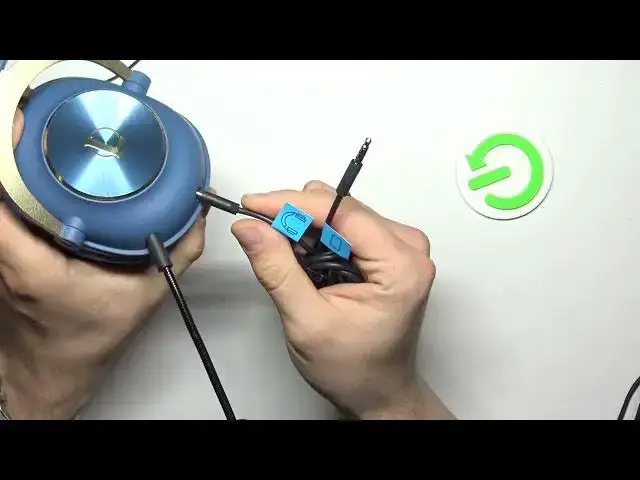

How To Connect Logitech G Pro X League of Legends With Microphone To PC
Mar 16, 2024

Visits Our Website For More Tutorials : https://www.hardreset.info/devices/logitech/logitech-g-prox-gaming-league-of-legends/faq/buy/buy/
In this video tutorial, we will guide you through the process of connecting your Logitech G Pro X headset with microphone to your PC specifically for League of Legends. You'll learn the step-by-step instructions to properly set up and configure your Logitech G Pro X headset to ensure optimal audio and microphone performance during your League of Legends gameplay.
Connecting Logitech G Pro X headset to PC for League of Legends
Logitech G Pro X headset setup tutorial for League of Legends
How to connect Logitech G Pro X with microphone to PC
Setting up Logitech G Pro X headset for League of Legends on PC
Configuring Logitech G Pro X headset for PC gaming in League of Legends
Connecting Logitech G Pro X headset to PC using USB or 3.5mm audio
#logitechgprox #logitechgpro #leagueoflegends
Follow us on Instagram ► https://www.instagram.com/hardreset.info
Like us on Facebook ► https://www.facebook.com/hardresetinfo/
Tweet us on Twitter ► https://twitter.com/HardResetI
Support us on TikTok ► https://www.tiktok.com/@hardreset.info
Use Reset Guides for many popular Apps ► https://www.hardreset.info/apps/apps/https://www.hardreset.info
Show More Show Less