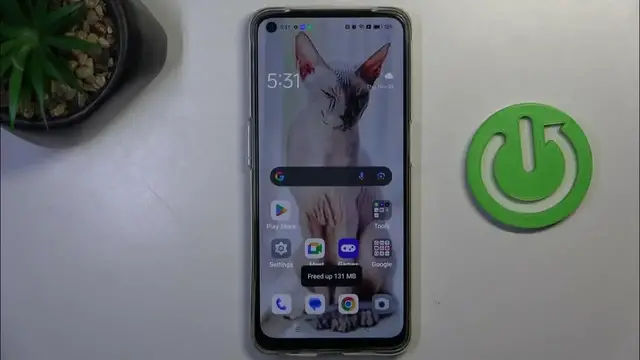

How To Close All Running Apps On OPPO A95
Jan 18, 2024

Find out more about Oppo A95 : https://www.hardreset.info/devices/oppo/oppo-a95/tutorials/
Optimize your device's performance on the Oppo A95 by learning how to close all running apps. This tutorial provides straightforward steps to guide you through the process of closing background applications, helping you conserve resources and improve overall responsiveness. Whether you want to free up memory or enhance your device's speed, this guide covers the intuitive method of closing all running apps on your Oppo A95. Watch, learn, and enjoy a smoother and more efficient mobile experience with this helpful feature!
How do I close all running apps on Oppo A95?
Is there a specific menu or shortcut for managing running apps on this device?
Why is it beneficial to close background apps on Oppo A95?
Can I close all running apps simultaneously, or do I need to close them one by one?
How do I view the list of currently running apps on Oppo A95?
#OppoA95 #Oppo #oppophone
Follow us on Instagram ► https://www.instagram.com/hardreset.info
Like us on Facebook ► https://www.facebook.com/hardresetinfo/
Tweet us on Twitter ► https://twitter.com/HardResetI
Support us on TikTok ► https://www.tiktok.com/@hardreset.info
Use Reset Guides for many popular Apps ► https://www.hardreset.info/apps/apps/
Show More Show Less