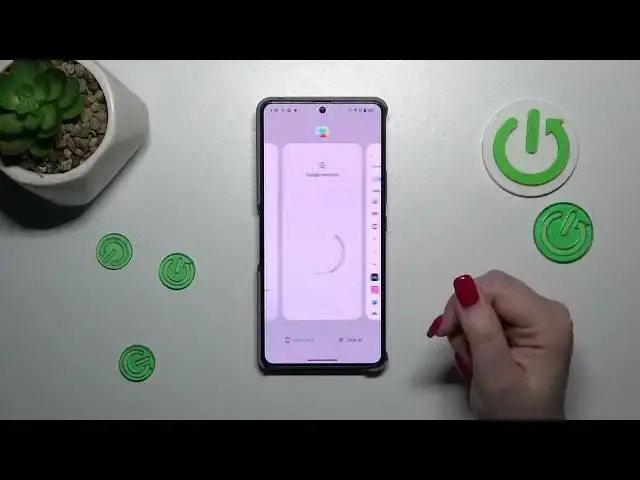

How to Close All Background Running Apps on ASUS ROG Phone 8
Aug 10, 2024

We invite you to visit our website and find out more about ASUS ROG Phone 8: https://www.hardreset.info/devices/asus/asus-rog-phone-8/tutorials/
Learn how to efficiently manage your ASUS ROG Phone 8 smartphone by closing all recent apps with this quick tutorial. In this video, we'll guide you through the simple steps to clear your recent apps list, allowing you to free up system resources and improve performance. Whether you're experiencing lag or simply want to streamline your device's operation, mastering this technique is essential. Watch now to discover how to close all recent apps on your ASUS ROG Phone 8 smartphone effortlessly.
How to close all recent apps at the same time on the ASUS ROG Phone 8? How to disable the background active apps on ASUS ROG Phone 8? How to clear the RAM cache on ASUS ROG Phone 8?
#ASUSROGPhone8 #CloseApps #ASUSApps
Follow us on Instagram ► https://www.instagram.com/hardreset.info
Like us on Facebook ► https://www.facebook.com/hardresetinfo/
Tweet us on Twitter ► https://twitter.com/HardResetI
Support us on TikTok ► https://www.tiktok.com/@hardreset.info
Use Reset Guides for many popular Apps ► https://www.hardreset.info/apps/apps/
Show More Show Less