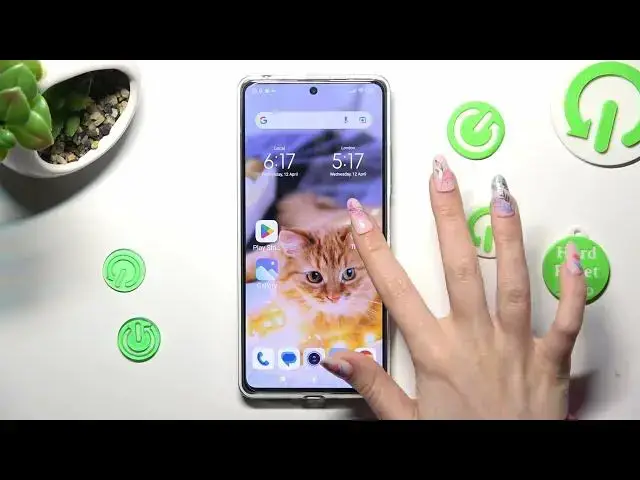

How to Clone Apps on Redmi Note 12 Pro?
Jul 30, 2024

Learn more: https://www.hardreset.info/devices/redmi/redmi-note-12/tutorials/
If you're using a Redmi Note 12 Pro and need to use multiple accounts for the same app, cloning apps can be a useful feature to have. In this video tutorial, we'll show you how to clone apps on your Redmi Note 12 Pro in just a few easy steps. With this feature, you can easily switch between different accounts for your favorite apps without having to log out and log back in each time. So, whether you're using it for work or personal purposes, cloning apps on your Redmi Note 12 Pro is a great way to save time and streamline your workflow.
How to Clone Apps on Redmi Note 12 Pro?
How to Use Dual Apps on Redmi Note 12 Pro?
How to Activate Dual Apps on Redmi Note 12 Pro?
#cloneapps #dualapps #redminote12pro
Follow us on Instagram ► https://www.instagram.com/hardreset.info
Like us on Facebook ► https://www.facebook.com/hardresetinfo/
Tweet us on Twitter ► https://twitter.com/HardResetI
Support us on TikTok ► https://www.tiktok.com/@hardreset.info
Use Reset Guides for many popular Apps ► https://www.hardreset.info/apps/apps/
Show More Show Less