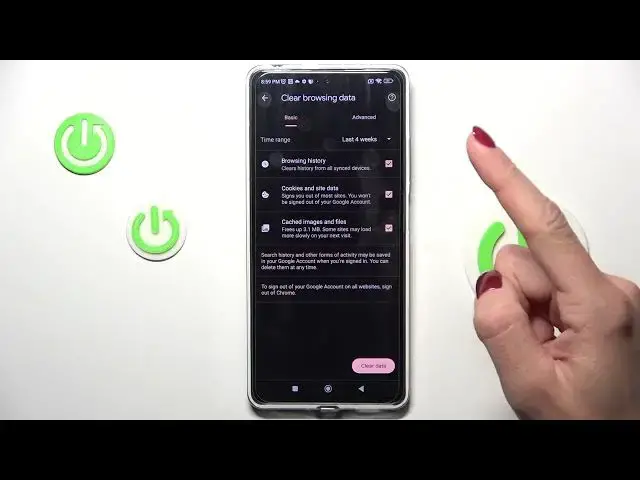

How to Clear Browsing Data on a REDMI Note 12 Pro - Remove History, Cookies, Cache and Saved Logins
Jul 29, 2024

Learn more about the REDMI Note 12 Pro: https://www.hardreset.info/devices/redmi/redmi-note-12-pro/tutorials/
If you own a REDMI Note 12 Pro, you might have noticed that your device slows down over time or even crashes. This could be due to the accumulation of cached browsing data, which takes up valuable storage space on your device. Clearing this data can help you free up space and improve the performance of your phone. In this video, we'll provide you with a step-by-step guide on how to clear cached data on your REDMI Note 12 Pro.
How to clear browser history on a REDMI Note 12 Pro? How to remove browser cache and cookies on a REDMI Note 12 Pro? How to delete saved login data on a REDMI Note 12 Pro? How to erase auto fill information in the browser on a REDMI Note 12 Pro?
#REDMINote12Pro #ClearBrowsingData #XIAOMIApps
Follow us on Instagram ► https://www.instagram.com/hardreset.info
Like us on Facebook ►
https://www.facebook.com/hardresetinfo/
Tweet us on Twitter ► https://twitter.com/HardResetI
Support us on TikTok ► https://www.tiktok.com/@hardreset.info
Use Reset Guides for many popular Apps ► https://www.hardreset.info/apps/apps/
Show More Show Less