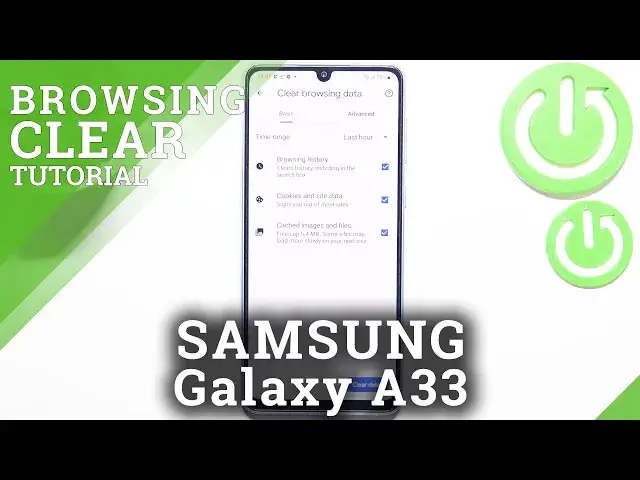

How to Clear Browser in SAMSUNG Galaxy A33 – Remove Browsing History
Jul 2, 2024

Learn more info about SAMSUNG Galaxy A33: https://www.hardreset.info/devices/samsung/samsung-galaxy-a33-5g/
If you’re wondering how to remove browsing history from your SAMSUNG Galaxy A33, then here we are coming with help! In this tutorial we’d like to share with you how easily you can find proper section in which all browsing data is stored. You’ll be able to remove not only the list of visited websites but also f.ex. saved passwords. So let’s follow all shown steps and successfully remove browsing history.
How to delete the history browser in SAMSUNG Galaxy A33? How to clear history in SAMSUNG Galaxy A33 browser? How to delete cookies files in SAMSUNG Galaxy A33? How to clear cache in SAMSUNG Galaxy A33? How to delete page history in SAMSUNG Galaxy A33? How to delete Google searches on SAMSUNG Galaxy A33? How to list downloaded files on SAMSUNG Galaxy A33? How to erase history of searched words on SAMSUNG Galaxy A33? How to delete stored passwords and logins on SAMSUNG Galaxy A33?
#ClearBrowser #RemoveBrowsingData #SAMSUNGGalaxyA33
Follow us on Instagram ► https://www.instagram.com/hardreset.info
Like us on Facebook ► https://www.facebook.com/hardresetinfo/
Tweet us on Twitter ► https://twitter.com/HardResetI
Support us on TikTok ► https://www.tiktok.com/@hardreset.info
Use Reset Guides for many popular Apps ► https://www.hardreset.info/apps/apps/
Show More Show Less