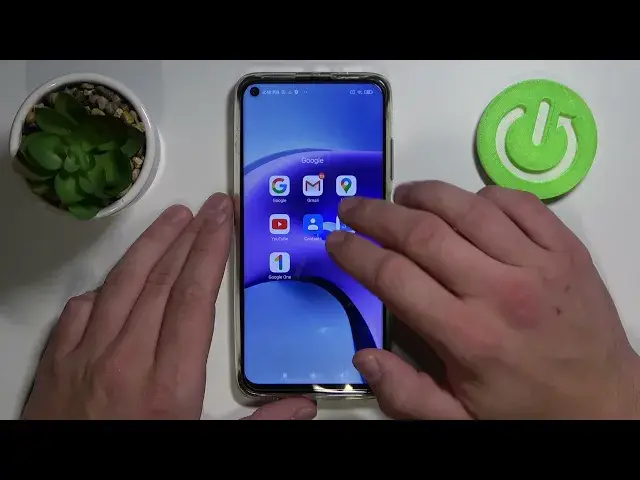

How to Choose Type of Maps on XIAOMI Redmi Note 9T – Google Maps
Jul 7, 2024

Find out more about XIAOMI Redmi Note 9T 5G:
https://www.hardreset.info/devices/xiaomi/xiaomi-redmi-note-9t-5g/
Good day, dear subscribers! Today we'll tell you how to quickly and correctly change the type of maps in the Google Maps app on your XIAOMI Redmi Note 9T 5G device. Here we will also show you how these kinds of cards differ and what their purposes are. And you will be able to check three types of Google Maps: default, terrain or satellite. Thank you for recommending our channel to others - for us, this is the best thanks!
How to change Type of Map in Google Maps on XIAOMI Redmi Note 9T? How to set up new Type of Map in Google Maps on XIAOMI Redmi Note 9T? How to select Map Type in Google Maps on XIAOMI Redmi Note 9T 5G?
#SatelliteGoogleMap #DefaultGoogleMap #XIAOMIRedmiNote9T5G
Follow us on Instagram ► https://www.instagram.com/hardreset.info
Like us on Facebook ► https://www.facebook.com/hardresetinfo/
Tweet us on Twitter ► https://twitter.com/HardResetI
Support us on TikTok ► https://www.tiktok.com/@hardreset.info
Use Reset Guides for many popular Apps ► https://www.hardreset.info/apps/apps/
Show More Show Less