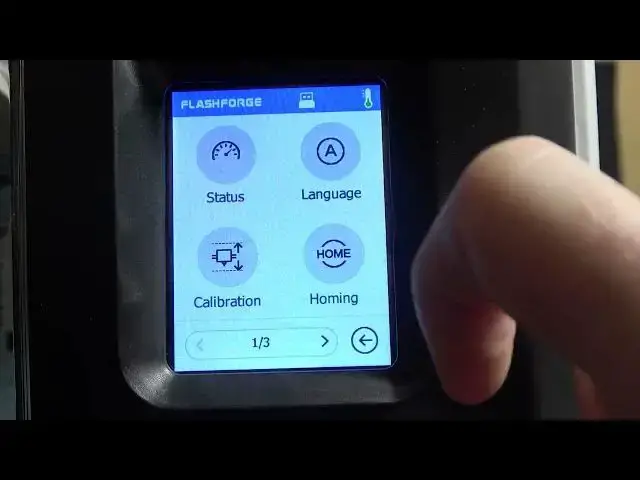

How To Check Temperatures On Flashforge Adventurer 3
Mar 16, 2024

Visits Our Website For More Tutorials : https://www.hardreset.info
In this tutorial video, we will show you how to check the temperatures on your Flashforge Adventurer 3 3D printer. Monitoring the temperatures is essential for ensuring successful and safe 3D printing. We will guide you through the process of accessing the temperature settings on your Adventurer 3, including the extruder temperature and the bed temperature.
Flashforge Adventurer 3 temperature monitoring tutorial
How to check temperatures on Adventurer 3 3D printer
Viewing extruder and bed temperatures on Flashforge Adventurer 3
Accessing temperature settings on Adventurer 3
Monitoring and adjusting temperatures on Flashforge Adventurer 3
#flashforge #3dprinting #3dprinter
Follow us on Instagram ► https://www.instagram.com/hardreset.info
Like us on Facebook ► https://www.facebook.com/hardresetinfo/
Tweet us on Twitter ► https://twitter.com/HardResetI
Support us on TikTok ► https://www.tiktok.com/@hardreset.info
Use Reset Guides for many popular Apps ► https://www.hardreset.info/apps/apps/https://www.hardreset.info
Show More Show Less