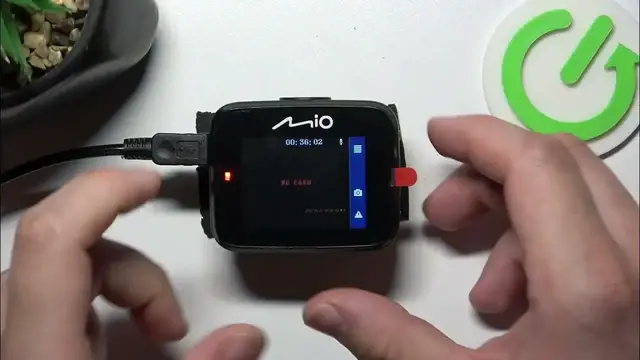

How To Check System Version On Mio MiVue C312
Jan 19, 2024

Find out more on our website : https://www.hardreset.info
Unlock the ability to verify the system version of your Mio MiVue C312 dash camera with this comprehensive tutorial. Understanding how to check the system version is crucial for keeping your camera's firmware up to date and ensuring optimal performance. Whether you're a new MiVue C312 owner or looking to understand the version checking process, this video provides step-by-step guidance on how to easily access this information on your dash camera.
How can I check the system version on my Mio MiVue C312 dash camera?
Why is it important to know the system version, and how often should I check it?
Can I update the camera's firmware based on the system version information?
Is there a specific menu or setting where I can find the system version on the MiVue C312?
What should I do if I find that my system version is outdated or requires an update?
#Mio #dashcamera #mivue
Follow us on Instagram ► https://www.instagram.com/hardreset.info
Like us on Facebook ► https://www.facebook.com/hardresetinfo/
Tweet us on Twitter ► https://twitter.com/HardResetI
Support us on TikTok ► https://www.tiktok.com/@hardreset.info
Use Reset Guides for many popular Apps ► https://www.hardreset.info/apps/apps/
Show More Show Less