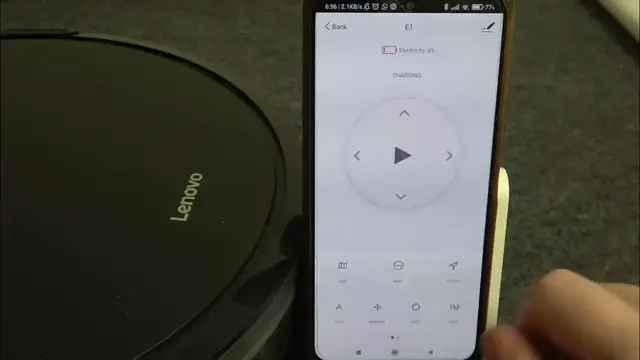

How To Check Materials Condition On LENOVO ROBOT CLEANER D450
Jan 19, 2024

Find out more : https://www.hardreset.info/
Maximize the performance and longevity of your Lenovo Robot Cleaner D450 by learning how to check the condition of its materials. This tutorial provides a step-by-step guide, ensuring you can inspect and maintain key components for optimal functionality. Whether you're conducting routine maintenance or troubleshooting, this video is your key to mastering the materials condition check on the Lenovo Robot Cleaner D450.
How can users easily check the condition of materials on their Lenovo Robot Cleaner D450 to ensure optimal performance and longevity?
Are there specific components or areas on the robot cleaner that users should focus on during the materials condition check, and where are they located?
Can users identify and address any issues or wear on materials that may impact the performance of the Lenovo Robot Cleaner D450?
What indicators or signals may suggest that certain materials need attention or maintenance on the robot cleaner?
How quickly can users perform the materials condition check, and does it require any additional tools or steps with the Lenovo Robot Cleaner D450?
#lenovo #robotcleaner #vacuumcleaner
Follow us on Instagram ► https://www.instagram.com/hardreset.info
Like us on Facebook ► https://www.facebook.com/hardresetinfo/
Tweet us on Twitter ► https://twitter.com/HardResetI
Support us on TikTok ► https://www.tiktok.com/@hardreset.info
Use Reset Guides for many popular Apps ► https://www.hardreset.info/apps/apps/
Show More Show Less