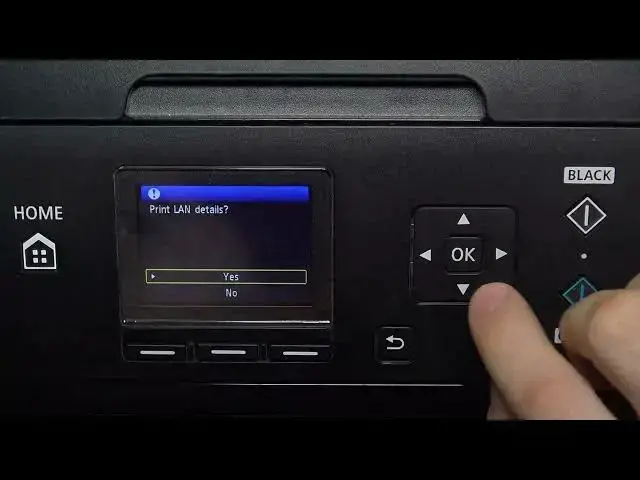

How to check IP address on Canon MG5700 to get access to EWS
Mar 20, 2024

More info you can find here: hardreset.info
This YouTube tutorial provides a step-by-step guide on how to check the IP address of the Canon EWS (Embeded web server) on the Canon MG5750 printer. The video demonstrates how to access the EWS, locate the IP address, and how to properly use it for various purposes, such as setting up the printer on a network or accessing the printer's settings remotely. Whether you're a new Canon MG5700 user or just need a refresher on how to check the IP address of the EWS, this tutorial is a useful resource.
How to Check the IP Address of Canon EWS on Canon MG5700 Printer?
Where is the IP Address Located on Canon Pixma MG5750 Printer Using EWS?
What is the Purpose of Checking the IP Address of Canon EWS on Canon MG5700 Printer?
How Can the IP Address of Canon EWS be Used on Canon Pixma MG5750 Printer?
What Information Can be Obtained from the IP Address of Canon EWS on Canon MG5700 Printer?
Follow us on Instagram ► https://www.instagram.com/hardreset.info
Like us on Facebook ► https://www.facebook.com/hardresetinfo/
Tweet us on Twitter ► https://twitter.com/HardResetI
Support us on TikTok ► https://www.tiktok.com/@hardreset.info
Use Reset Guides for many popular Apps ► https://www.hardreset.info/apps/apps/
#checkewsip #ipaddress #canonmg5700 #pixmamg5750
Show More Show Less