0:00
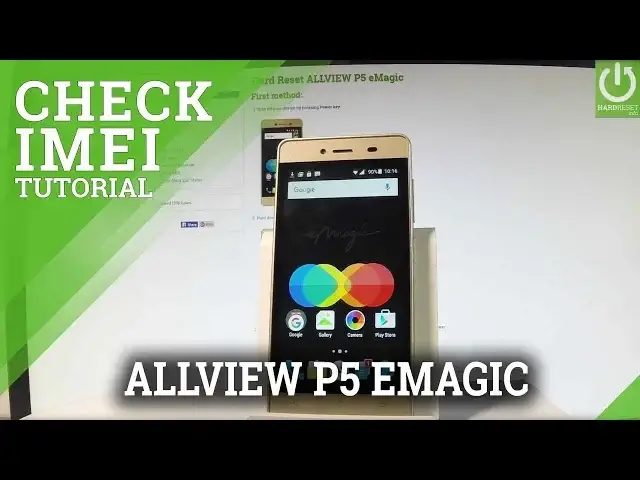
Here I have all VP5 images and let me show you how to check email number on the following device
0:11
So at the very beginning let me start by using a home screen, let me tap the phone icon in
0:16
order to open the phone's dialer and let me show you how to check email number by using
0:20
a secret code. So let's input star hash 06 hash and as you can see the email number just pops up in front
0:31
of you. In order to close this window let's simply tap OK
0:36
Now let me show you the second way of checking email number, this time it will be by using
0:41
a settings, let's tap apps icon, let me find and select the settings, scroll down to the
0:48
bottom of the list and choose about phone. Then you have to scroll down again and choose status, the second option, here let's select
0:56
email information and the email number just pops up in front of you
1:01
Now let me show you the third method, it is the manual one so you can do it even with
1:05
your phone turned off. So let me switch off my device, let me press power off, now the device is switching off
1:11
Afterwards let's remove the back panel by using the cavity at the down left edge of
1:17
the phone right here, let's just simply use your nail finger to open the whole thing
1:22
Let's remove the battery by using the cavity at the upper part of the item and as you can
1:28
see the email number just pops up in front of you. You can also use barcodes to this information and then put back the battery, close the back
1:37
cover and switch on the device by holding the power key. Excellent, as you can see now you can unlock the device and start using your phone
1:59
Thank you for watching, please subscribe our channel and leave thumbs up under the video