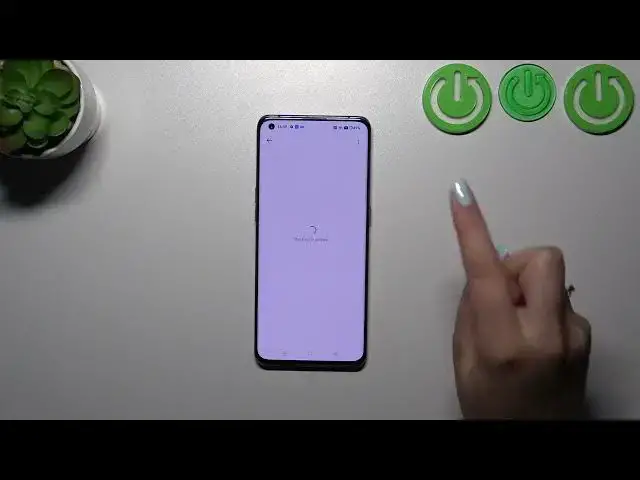

How to Check for Software Updates on OPPO Find X3 Pro - Verify Available System Updates
Mar 10, 2024

Find out more info about OPPO Find X3 Pro:
https://www.hardreset.info/devices/oppo/oppo-find-x3-pro/
Hello there! Have you ever wondered how to check for updates on your OPPO Find X3 Pro? If you have, then you should definitely check out our latest video! In today's tutorial, we'll walk you through the simple steps to check for updates on your OPPO Find X3 Pro. It's crucial to keep your device up to date, as outdated software can lead to some of its features not working correctly. So, if you're interested in learning how to ensure your OPPO Find X3 Pro is running the latest software, all you need to do is watch this brief video until the end, follow the instructions provided by our specialist, and try performing this operation on your OPPO Find X3 Pro yourself. If you find this tutorial helpful, please don't forget to hit the like button, leave a comment, and subscribe to our channel. Thanks for tuning in to our video!
How to set up System Update on OPPO Find X3 Pro? How to Check System in OPPO Find X3 Pro? How to enable System Update on OPPO Find X3 Pro? How to check Android Version on OPPO Find X3 Pro? How to check system version in OPPO Find X3 Pro?
#SystemVersion #SystemUpdates #oppofindx3pro
Follow us on Instagram ► https://www.instagram.com/hardreset.info
Like us on Facebook ► https://www.facebook.com/hardresetinfo/
Tweet us on Twitter ► https://twitter.com/HardResetI
Support us on TikTok ► https://www.tiktok.com/@hardreset.info
Use Reset Guides for many popular Apps ► https://www.hardreset.info/apps/apps/
Show More Show Less