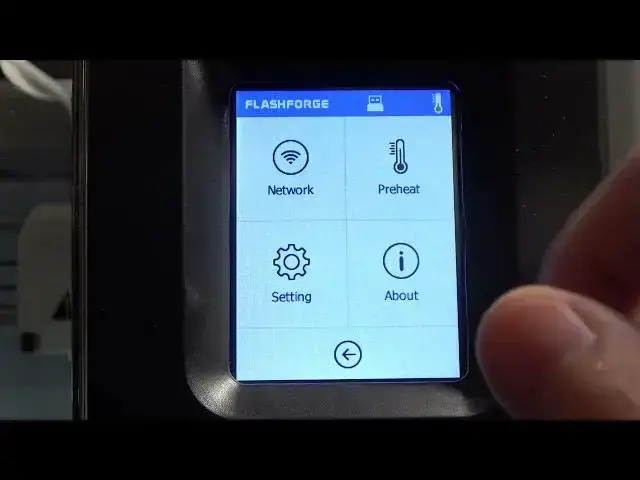

How To Check Extruder Position On Flashforge Adventurer 3
Mar 16, 2024

Visits Our Website For More Tutorials : https://www.hardreset.info
In this video tutorial, we will show you how to check the extruder position on your Flashforge Adventurer 3 3D printer. The extruder position is an important aspect of 3D printing as it determines the starting point for your prints and ensures proper bed leveling and filament deposition.
Flashforge Adventurer 3 extruder position check tutorial
How to check extruder position on Adventurer 3 3D printer
Checking X Y Z coordinates on Flashforge Adventurer 3
Accessing extruder position menu on Adventurer 3
Ensuring accurate extruder position on Flashforge Adventurer 3
Importance of checking extruder position in 3D printing
Step-by-step guide to check extruder position on Adventurer 3
#flashforge #3dprinting #3dprinter
Follow us on Instagram ► https://www.instagram.com/hardreset.info
Like us on Facebook ► https://www.facebook.com/hardresetinfo/
Tweet us on Twitter ► https://twitter.com/HardResetI
Support us on TikTok ► https://www.tiktok.com/@hardreset.info
Use Reset Guides for many popular Apps ► https://www.hardreset.info/apps/apps/https://www.hardreset.info
Show More Show Less