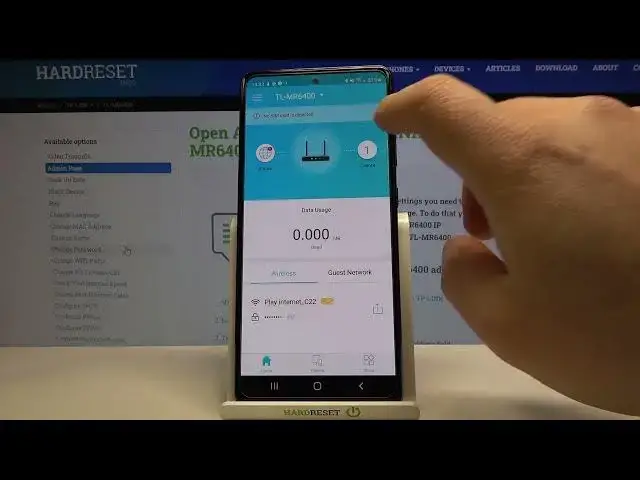

How to Check Connected Devices on TP-LINK TL-MR6400 - Find All Devices Using Your WiFi on TP-Link
Jul 3, 2024

More info: https://www.hardreset.info/devices/tp-link/tp-link-tl-mr6400/
Watch this video if you have any doubts about your WiFi security. I will show you how to check all the devices currently connected to the TP-LINK TL-MR6400. I will be using TP-Link Tether app created especially for mobile devices to control all the settings on TP-Link routers. There are just a few taps and you will see a list of all devices currently connected with the TP-Link 4G LTE router.
Follow us on Instagram ► https://www.instagram.com/hardreset.info
Like us on Facebook ► https://www.facebook.com/hardresetinfo/
Tweet us on Twitter ► https://twitter.com/HardResetI
Support us on TikTok ► https://www.tiktok.com/@hardreset.info
Use Reset Guides for many popular Apps ► https://www.hardreset.info/apps/apps/
How to check all connected devices on TP-LINK TL-MR6400? How to find a list of all devices using Wi-Fi on TP-Link LTE 4G router?
#tplinkrouter #routerconfig #wifisecurity
Show More Show Less